
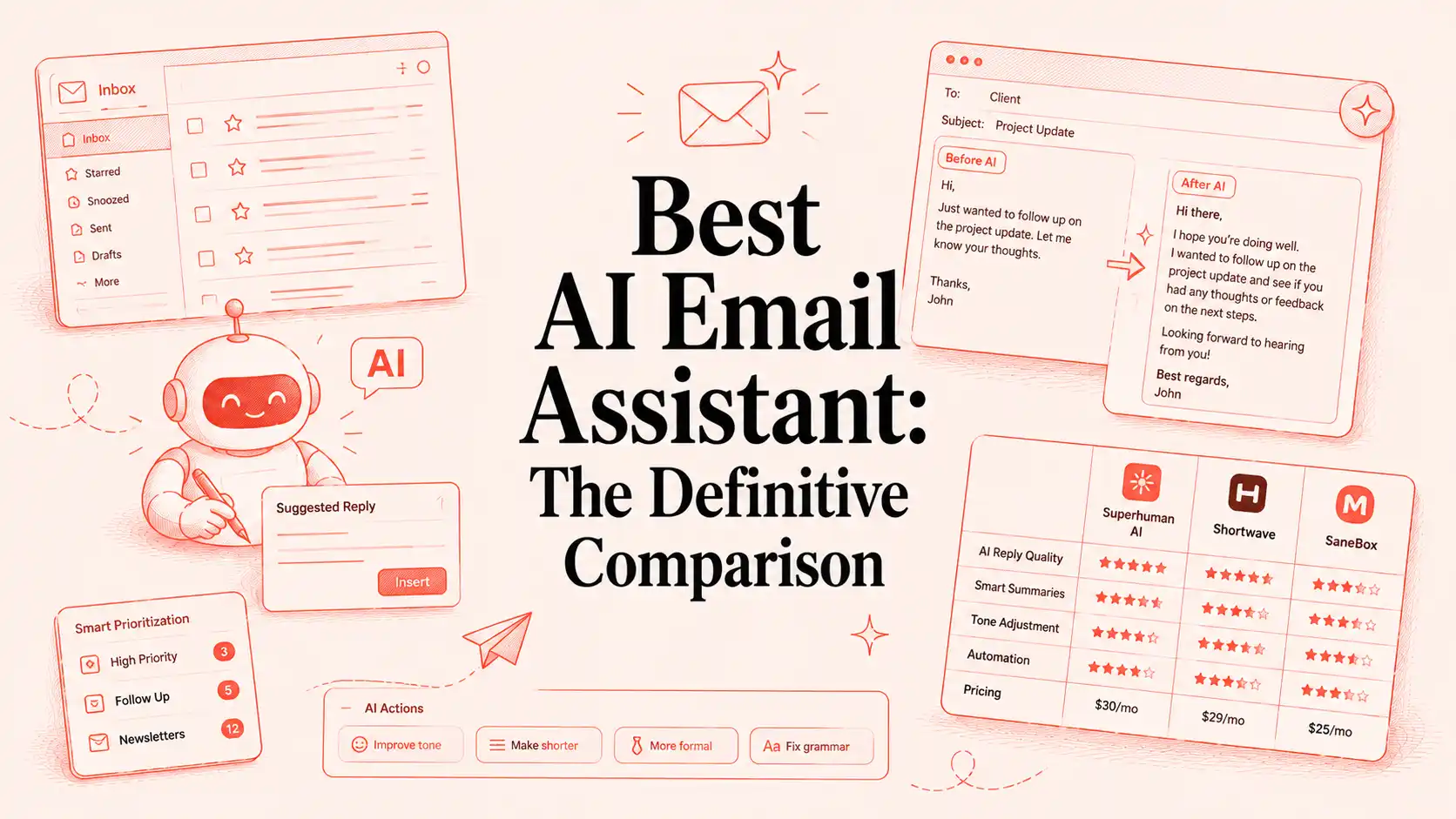
The 11 Best AI Email Assistants by Workflow Type in 2026
What if you could cut your email workload in half without hiring an assistant?
Between sorting newsletters, responding to clients, following up on opportunities, scheduling meetings, and managing internal communication, email consumes hours that could be spent on higher-value work.
That’s why AI email assistants have become one of the fastest-growing productivity categories. But not all AI email tools solve the same problem.
- Some help you write faster.
- Some organize your inbox.
- Some automate entire workflows.
And a few help eliminate the need to type altogether.
In this guide, we’ll compare the best AI email assistants in 2026, break down their strengths and limitations, and help you find the tool that delivers the biggest return on your time.
TL;DR: The Best AI Email Assistants in 2026 at a Glance
| Tool | Best For | Why Choose It |
| VoiceDash | Professionals who want to eliminate typing | Turn spoken thoughts into polished emails and respond significantly faster than typing. |
| Superhuman | Email power users | Built for speed, helping users process and reply to emails with minimal friction. |
| Shortwave | Gmail users | Modern AI-native inbox with powerful summaries, organization, and search. |
| Gmelius | Shared team inboxes | Makes collaboration, assignments, and workflow management easier inside email. |
| Lindy | Email workflow automation | Uses AI agents to automate repetitive email-driven tasks and processes. |
| Microsoft Copilot | Microsoft 365 users | Deep integration with Outlook, Teams, Word, and the Microsoft ecosystem. |
| SaneBox | Inbox overload | Automatically filters distractions and highlights emails that matter most. |
| Mailbutler | Apple Mail users | Adds AI writing assistance, tracking, and productivity features to Apple Mail. |
| Missive | Collaborative teams | Combines shared inboxes, internal chat, and email workflows in one platform. |
| Proton Scribe | Privacy-focused users | AI-assisted email writing with a strong focus on security and data privacy. |
| Fyxer | Meetings and follow-ups | Automatically captures meeting notes and helps manage inbox actions afterward. |
Quick Recommendations: Best AI Email Assistants by Use Case
- Best AI Email Assistant Overall: VoiceDash
- Best for Gmail: Shortwave
- Best for Outlook: Microsoft Copilot
- Best for Teams: Missive
- Best for Automation: Lindy
- Best for Inbox Cleanup: SaneBox
- Best for Privacy: Proton Scribe
- Best for Shared Inboxes: Gmelius
- Best for Email Speed: Superhuman
- Best for Meeting Notes + Email Follow-ups: Fyxer
What Is an AI Email Assistant?
An AI email assistant is software that uses large language models (LLMs) and natural language processing (NLP) to help professionals manage, draft, triage, or automate email. While many people use AI to write emails faster and more effectively, different tools solve different problems. Some focus on:
- Drafting better replies.
- Triaging your inbox faster.
- Automating routing, reminders, and workflow actions.
Unlike traditional rules-based filters, which rely on rigid if-then logic, AI assistants understand context, tone, and intent. That means they do more than sort mail, they interpret what a message means and help determine the right next action.
What’s Actually Slowing You Down in Email?
For what it’s worth, before spending money on any tool, you’d better be wildly clear about the real pain point you are trying to overcome.
Most professionals describe inbox frustration as “too many emails,” but that’s usually not the actual issue. To be more precise, it comes down to one of these specific bottlenecks that can be identified and fixed, such as:
- Inbox triage problems: Inbox clutter from newsletters, CC chains, and notifications makes it difficult to identify high-priority emails that actually require your attention.
- Email drafting problems: Knowing what to say is easy, but turning your thoughts into clear, professional emails often consumes far more time than expected.
- Email follow-up: Tracking unanswered emails, reminders, and next steps manually increases the risk of missed opportunities and forgotten conversations.
- The hidden input problem, the one nobody talks about: Most buying guides miss a simple issue: the way you input text slows everything down. Typing at about 40 words per minute means even a short email takes several minutes to write, so for professionals sending dozens each day, the keyboard becomes the main bottleneck.
The average person speaks at 130–150 words per minute. That’s a 3–4x speed gap on every email you write, every day, compounding across your entire career.
And yet almost no tool in this category addresses it directly, a gap the best AI voice tools for email productivity are specifically designed to solve.
Pro Tip: If drafting emails feels slower than the thinking behind them, your problem may not be email, it’s typing. Tools like VoiceDash help professionals turn spoken thoughts into polished emails, allowing them to communicate at the speed they think rather than the speed they type, a workflow similar to how marketers use voice typing to write emails faster.
Quick Decision Guide: How to Choose the Right AI Email Assistant
Before You Choose an AI Email Assistant Use this quick guide to identify the type of tool that matches your biggest email challenge:
- Choose VoiceDash if your biggest bottleneck is typing and you want to draft emails using your voice.
- Choose Superhuman or Shortwave if you want to process emails faster and keep inbox zero.
- Choose SaneBox if inbox overload and email prioritization are your primary frustrations.
- Choose Lindy if you want AI to automate repetitive email workflows and follow-ups.
- Choose Gmelius or Missive if your team manages shared inboxes and customer conversations.
- Choose Microsoft Copilot if your organization runs on Outlook and Microsoft 365.
- Choose Proton Scribe if privacy and data protection are non-negotiable requirements.
- Choose Fyxer if meetings generate most of your email workload and follow-up tasks.
Once you know your biggest bottleneck, finding the right AI email assistant becomes much easier.
The 11 Best AI Email Assistants in 2026
To help you find the right fit, we’ve evaluated the leading AI email assistants based on their strengths, ideal use cases, limitations, and overall value.
1. VoiceDash — Best for Professionals Who Want to Eliminate Typing Entirely
Overview
Every other tool on this list assumes you’re typing your emails. VoiceDash is built on a different premise: that the fastest way to write a professional email is to not type it at all.
The concept is simple. Speak naturally.
VoiceDash is a voicemail-to-text app tool that removes your filler words, formats your output into clean paragraphs, and delivers email-ready text in seconds.
That means:
- No raw transcript cleanup.
- No manual reformatting.
- No rewriting AI-generated text to make it sound like you.
Just your ideas, captured in your own voice and delivered in a polished, professional format.
Additionally, beyond AI-powered speech-to-text dictation, VoiceDash offers Command Mode, allowing you to create complete emails using simple voice instructions instead of manually writing them.
That means, instead of:
- Opening another AI chatbot
- Writing a detailed prompt and waiting for response
- Copying the generated text and pasting it into your email
You simply tell VoiceDash what you want, and it instantly creates a polished, professionally formatted email directly where your cursor is.
For example, imagine your cursor is inside Gmail. You can simply say:
“Hey VoiceDash, write an email to Sarah. Ask her to deliver this week’s blog posts by Wednesday. Let her know we have a Google Meet on Tuesday at 5 PM, include the meeting link, and ask her to send me a progress report before the meeting.”
VoiceDash instantly transforms your spoken instructions into a well-written, professional email that’s ready to send.
Who It’s For
- Executives
- Founders
- Consultants
- Recruiters
- Field sales teams
Key Features
- Speech-to-text workflow.
- AI-enhanced dictation.
- AI-assisted email drafting.
- Clean structured output.
Limitations
VoiceDash addresses the composition layer. It works alongside your existing email client, not instead of it. Users who need inbox triage, shared team inbox management, or cross-app automation will want to pair it with a complementary tool.
Pricing
- Free plan available
- Pro from $15/month, unlimited words and AI editing

2. Superhuman — Best for Pure Email Speed
Overview
Superhuman built its reputation on a single, defensible promise: Move through email faster than you thought possible.
In other words, Superhuman is built for users who live in their inbox and want a faster, smoother way to manage it, which is why it’s one of the best AI Email Assistant tools you could ever use.
Who It’s For
- Startup operators
- Executives
- Productivity enthusiasts
- Heavy Gmail and Outlook users
Key Features
- AI-generated drafts
- Inbox splitting
- Read status tracking
- Follow-up reminders
Limitations
Superhuman accelerates email processing, it doesn’t reduce email volume or automate downstream work. You still read every message, review every draft, and make every decision.
Pricing
- Free plan available
- Paid plans from $12/user/month, billed annually

3. Shortwave — Best AI-Native Email Client (Gmail)
Overview
Unlike legacy email tools that added AI later, Shortwave integrates AI into the core inbox experience in the first place; It is especially strong at thread summaries, inbox search, and drafting support.
That makes it a good choice for solo professionals and Google Workspace users who want a modern, AI-first email experience.
Who It’s For
- Gmail users
- Startup teams
- Knowledge workers
- Productivity-focused professionals
Key Features
- AI thread summaries
- Smart categorization
- Email bundling
- AI drafting
Limitations
Its biggest strength is also its main constraint: it works best inside Gmail. If your workflow is built around Outlook or another email ecosystem, its value drops quickly.
Pricing
- Free plan available with limited AI and 90-day search history
- Paid plans from $18/seat/month, billed monthly

4. Gmelius — Best for Shared Team Inboxes
Overview
In contrast to most best AI email assistants which are built for the individual inbox, Gmelius is built for teams, specifically for organizations running shared email addresses.
As organizations grow, email becomes a team problem rather than an individual one. Gmelius solves this challenge by transforming inboxes into collaborative workspaces.
Instead of forwarding emails internally or managing responses through Slack, teams can collaborate directly inside shared inboxes which makes it quite an effective option.
Who It’s For
- Customer support teams
- Operations teams
- Agencies
- Service businesses
Key Features
- Shared inboxes
- Internal collaboration
- Email assignment
- Workflow automation
- Team analytics
Limitations
It is clearly designed for teams, which makes it less compelling for solo users. If you only want faster personal replies, some of its collaboration features may feel like extra complexity.
Pricing
- Free trial available (7-day trial, no credit card required)
- Paid plans from $21/month billed monthly

5. Lindy — Best for Full Email Workflow Automation
Overview
This is the tool you reach for when email doesn’t just need to be faster, it needs to trigger work in other systems. It’s completely safe to mention, Lindy represents the next generation of AI-powered workflow automation among the best AI email assistants tools.
As an example, A prospect replies, Lindy logs it to HubSpot. A client asks about scheduling, Lindy checks your calendar and proposes times. An incoming support request matches a known pattern, Lindy drafts the response, routes it to the right team member, and files the interaction.
Who It’s For
- Growth marketers.
- Operations managers.
- Workflow builders (Marketing automation experts).
- Founders who automate repetitive tasks.
Key Features
- AI agents
- Workflow automation
- Trigger-based actions
- CRM integration
- Scheduling automation
Limitations
It usually requires more setup than a simple drafting tool. Results also depend heavily on how clearly you define the workflow, so vague instructions can lead to inconsistent output.
6. Microsoft Copilot — Best for Microsoft 365 Users
Overview
For enterprise and mid-market professionals whose entire working life runs through Outlook, Teams, Word, and OneDrive, Copilot is the path of least resistance, and often the most sensible upgrade available.
That’s primarily because Copilot has access to Outlook, Teams, Word, Excel, and organizational context; it can generate richer and more accurate responses than standalone email tools.
Who It’s For
- Outlook users.
- Enterprise employees.
- Corporate teams using Microsoft 365.
- Managers handling large inboxes.
Key Features
- Drafting support.
- Thread summaries.
- Outlook integration.
- Microsoft ecosystem compatibility.
Limitations
It works best for users already inside Microsoft 365, which makes it tightly tied to that ecosystem. Outside Outlook and Microsoft tools, it loses much of its advantage.

7. SaneBox — Best for Passive Inbox Filtering
Overview
SaneBox doesn’t write your emails. It doesn’t replace your inbox. It doesn’t ask you to learn a new interface or change how you work. What it does — quietly, in the background, using behavioral pattern recognition rather than content scanning — is move the noise out of your way before you ever open your inbox.
The platform automatically analyzes email behavior and moves less important messages out of sight, allowing users to focus on what matters most.
Who It’s For
- Busy professionals drowning in clutter.
- Consultants managing many incoming threads.
- Founders who want a cleaner inbox.
Key Features
- Email prioritization
- Smart filtering
- Reminder systems
Limitations
It is excellent for filtering and organization, but it is not designed to help much with drafting, generating content or automate cross-app workflows. If your biggest pain is writing replies, it may feel too passive.
SaneBox Pricing
- Free trial available (14-day)
- Paid plans from $9.99/month

8. Mailbutler — Best for Apple Mail Users
Overview
In the AI email assistant market, Apple Mail is usually treated like a side note. Most products are built around Gmail or Outlook, but Mailbutler takes a different approach by extending Apple Mail with AI drafting, email tracking, task management, and follow-up reminders. For users evaluating the broader ecosystem, it’s also worth reviewing some of the best mail apps for Mac available today.
Who It’s For
- Mac users.
- Independent professionals.
- Productivity-focused consultants.
Key Features
- AI writing assistance
- Email tracking
- Smart scheduling
- Contact management
Limitations
Its value is strongest for Apple Mail users, which makes it a niche for everyone else. Compared with more AI-native tools, it can feel limited if you want broader automation or smarter inbox assistance.
Pricing
- Free Starter plan available
- Paid plans from $4/user/month, billed annually

9. Missive — Best for Teams and Shared Inboxes
Overview
Missive is built for collaboration, and that focus becomes obvious when multiple people need to manage the same inbox together.
Instead of treating email as a solo task, it gives teams a shared workspace where messages can be discussed, assigned, and handled without losing context in forwarded threads or scattered side conversations.
Who It’s For
- Agencies
- Customer success teams
- Operations departments
- Support organizations
Key Features
- Shared inboxes
- Team chat
- Collaborative drafting
- Multi-channel communication
Limitations
It shines in team environments, but that also makes it less necessary for solo users. If you are managing email alone, the collaboration features may feel heavier than you need.
Pricing
- Free plan for up to 3 users with 15-day message history
- Paid plans from $14/user/month, billed annually

10. Proton Scribe — Best for Privacy-first Email Writing
Overview
Privacy is still one of the biggest objections to AI adoption, and Proton Scribe is designed to solve that problem at the source. By keeping AI-assisted writing inside Proton’s secure ecosystem, it offers a more privacy-conscious alternative to many widely used email tools.
Who It’s For
- Privacy-conscious professionals
- Legal teams
- Security-focused organizations
Key Features
- AI email drafting
- Privacy-centric architecture
- Secure email environment
Limitations
It is strongest on privacy, but that focus comes with less feature depth than broader tools. If you want a privacy-first assistant plus automation and inbox management, it may feel too minimal.
Pricing
- Free plan available
- Paid plans from $4.99/month, Scribe included from $12.99/month (Unlimited) or as a $2.99/month add-on

11. Fyxer — Best for AI Meeting notes and inbox management
Overview
Fyxer sits at the intersection of meetings and email. Fyxer is designed for professionals who spend a large portion of their day in meetings and email. Instead of focusing solely on email drafting, it combines AI meeting notes, action item tracking, and inbox management into a single workflow.
What makes Fyxer stand out among the best AI email assistant tools is its ability to bridge the gap between conversations and communication. Rather than forcing users to manually document meetings and draft follow-up emails, it turns meeting insights into actionable outputs, helping busy teams and professionals stay organized, responsive, and productive with less effort.
Who It’s For
- Consultants
- Account managers
- Sales professionals
- Executives
Key Features
- AI meeting notes
- Inbox assistance
- Follow-up generation
- Action item extraction
Limitations
It is useful for inbox management and meeting notes, but it is less established than some of the more recognized tools. If you only need one very specific email task solved, its broader workflow approach may feel like more than you need.
Pricing
- No free plan (7-day trial, no credit card required)
- Paid plans from $22.50/user/month, billed annually ($30/month on monthly billing)

How to Choose the Best AI Email Assistant for Your Needs
The answer depends entirely on the bottleneck you’re trying to remove.
| If You Need… | Choose… |
| Best AI Voice Tool for Email Productivity | VoiceDash |
| Maximum email speed | Superhuman |
| Gmail optimization | Shortwave |
| Shared inbox collaboration | Gmelius |
| Workflow automation | Lindy |
| Outlook integration | Microsoft Copilot |
| Inbox filtering | SaneBox |
| Apple Mail enhancement | Mailbutler |
| Team collaboration | Missive |
| Privacy-focused AI | Proton Scribe |
| Meeting Notes & Follow-up Emails | Fyxer |
The biggest mistake buyers make is choosing based on features. However, the best AI email assistant is the one that removes the most friction from your existing workflow.
Conclusion
The best AI email assistant isn’t necessarily the one with the most features, it’s the one that removes the biggest source of friction from your workflow. Whether you need faster email processing, smarter inbox organization, automated follow-ups, or full workflow automation, there’s a tool built for your specific use case.
As AI continues to evolve, the most valuable solutions will go beyond helping you write emails faster and focus on helping you spend less time on email altogether. For professionals looking to reclaim hours each week, that’s where the biggest productivity gains are likely to come from.
And for those who want to spend less time typing and more time communicating, it’s easy to see why solutions like VoiceDash are increasingly being recognized among the best AI voice tools for email productivity.
