
- Quick Verdict
- Otter vs VoiceDash at a Glance
- The Main Difference Between Otter and VoiceDash
- Feature Comparison
- Platform Support
- Pricing Snapshot
- Best for Daily Dictation: VoiceDash
- Best for Meeting Transcription: Otter
- Best for Writing: VoiceDash
- Best for Speaker Identification: Otter
- Best for Linux Users: VoiceDash
- Best for Teams: It Depends
- Privacy and Recording Considerations
- Who Should Choose VoiceDash?
- Who Should Choose Otter?
- Final Verdict: Otter vs VoiceDash
- FAQ: Otter vs VoiceDash
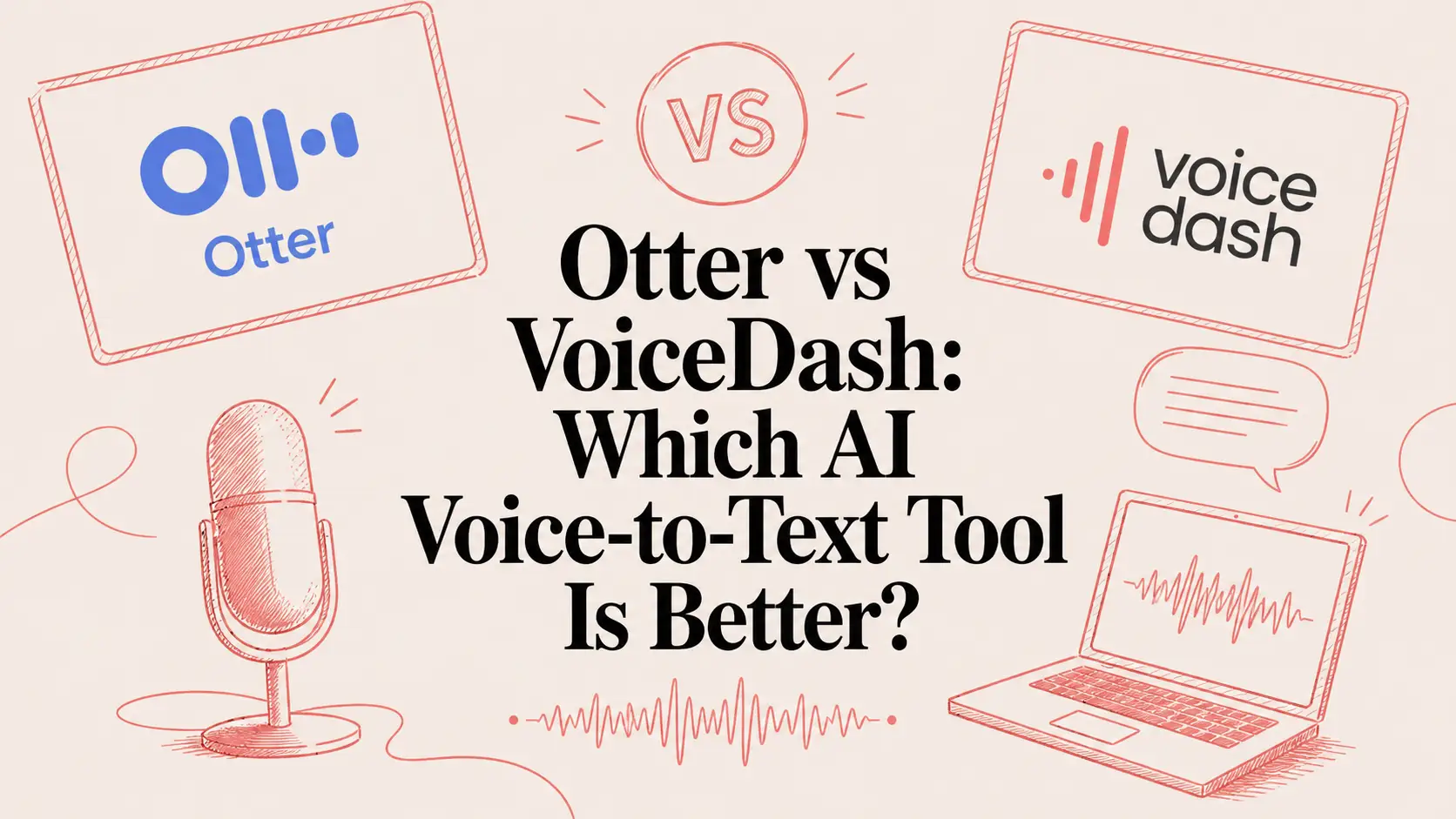
Otter vs VoiceDash: Which AI Voice-to-Text Tool Is Better in 2026?
If you’re comparing Otter vs VoiceDash, the core difference is simple:
Otter is built for meetings. VoiceDash is built for everyday voice-to-text.
Otter excels when you need to record conversations, identify speakers, generate summaries, and maintain a searchable archive of meetings and calls. VoiceDash is the stronger choice when you want to speak instead of type across your daily work — writing emails, drafting notes, capturing ideas, creating tasks, writing prompts, or reducing typing fatigue.
Both tools transcribe speech accurately, but they solve different problems. Otter functions as an AI meeting assistant. VoiceDash functions as advanced AI voice typing and dictation software for everyday productivity.
That distinction is key. OtterPilot can auto-join Zoom, Google Meet, and Microsoft Teams meetings to record audio, capture slides, write notes, and generate summaries. VoiceDash focuses on turning natural speech into clean, structured, edited text with filler word removal and grammar correction.
The better question is: Do you mainly need to record meetings, or do you need to create written work faster?
Quick Verdict
| What you need | Best choice | Why |
|---|---|---|
| Daily dictation and writing | VoiceDash | Designed for turning speech into clean, usable text |
| Meeting transcription | Otter | Built for recordings, speaker ID, summaries, and meeting archives |
| Linux voice-to-text | VoiceDash | VoiceDash offers Linux downloads |
| Speaker identification | Otter | Stronger for multi-speaker conversations |
| Writing with voice | VoiceDash | Better for drafts, notes, emails, tasks, and ideas |
| Zoom, Meet, and Teams workflows | Otter | Dedicated meeting integrations and auto-join workflows |
| Accessibility and reducing typing | VoiceDash | More useful across daily apps and devices |
| Team meeting notes | Otter | Stronger for shared meeting summaries and archives |
| General productivity | VoiceDash | More flexible outside meetings |
Choose VoiceDash if you want flexible voice input as a daily productivity layer.
Choose Otter if meetings dominate your workflow.
Otter vs VoiceDash at a Glance
| Category | VoiceDash | Otter |
|---|---|---|
| Product type | AI voice dictation and writing tool | AI meeting transcription and notes tool |
| Main use case | Daily writing, notes, tasks, ideas, productivity | Meetings, calls, interviews, team collaboration |
| Best for | Writers, developers, students, accessibility users, professionals | Sales teams, managers, recruiters, meeting-heavy teams |
| Output style | Clean, edited, ready-to-use text | Transcripts, summaries, action items, speaker labels |
| Platform strength | Mac, Windows, Linux, iOS, Android | Web, Mac, Windows, iOS, Android |
| Usage model | Word-based voice-to-text | Minute-based meeting transcription |
| Main advantage | Works wherever you need to type | Strong meeting automation |
| Main limitation | Less specialized for meeting archives | Less flexible as a daily dictation layer |
The Main Difference Between Otter and VoiceDash
The biggest difference between Otter and VoiceDash is not accuracy, AI quality, or pricing. It is workflow.
Otter starts with a conversation. A meeting happens. Multiple people speak. Otter records the conversation, creates a transcript, identifies speakers, summarizes key points, and helps the team find the meeting later.
VoiceDash starts with one person trying to create text. You speak naturally, and VoiceDash turns that speech into polished written output. The goal is not to preserve every word exactly as spoken. The goal is to help you write faster.
This difference changes everything.
If you are recording a sales call, lecture, interview, or team meeting, you probably want speaker labels, timestamps, summaries, and an archive. Otter is built for that. Otter’s pricing page highlights meeting-related features such as live transcription, speaker identification, AI meeting workflows, recording playback, and iOS and Android apps.
If you are writing an email, taking notes, drafting a blog post, creating tasks, writing documentation, or capturing ideas, you probably do not want a raw transcript. You want clean text that is ready to use. VoiceDash is built for that. Its product page describes the workflow as speaking naturally and getting polished, professional text inside your application.
That is why Otter and VoiceDash should not be compared only as “speech-to-text tools.”
A better comparison is:
Otter = AI meeting assistant
VoiceDash = AI voice typing and dictation software
Feature Comparison
| Feature | VoiceDash | Otter | Winner |
|---|---|---|---|
| General voice-to-text | Strong | Limited outside meeting workflows | VoiceDash |
| Daily dictation | Strong | Secondary focus | VoiceDash |
| Meeting transcription | Useful, but not core focus | Strong | Otter |
| Speaker identification | Basic / not primary | Strong | Otter |
| Meeting summaries | Not primary | Strong | Otter |
| Writing and editing support | Strong | Meeting-focused | VoiceDash |
| Linux support | Yes | No official Linux desktop app found | VoiceDash |
| Mac support | Yes | Yes | Tie |
| Windows support | Yes | Yes | Tie |
| iOS and Android | Yes | Yes | Tie |
| Team collaboration | Productivity-focused | Meeting-focused | Depends |
| Best for reducing typing | Strong | Limited | VoiceDash |
| Best for meeting archives | Limited | Strong | Otter |
VoiceDash wins when the user wants to create written output from their own voice. Otter wins when the user wants to capture what happened in a conversation.
Platform Support
| Platform | VoiceDash | Otter |
|---|---|---|
| Mac | Yes | Yes |
| Windows | Yes | Yes |
| Linux | Yes | No |
| iPhone / iOS | Yes | Yes |
| Android | Yes | Yes |
| Chrome extension | No | Yes |
For Linux users, VoiceDash has a clear advantage. VoiceDash lists a Linux download option, including Debian x64, Debian Arm64, and other Linux builds. Otter’s official desktop app documentation describes its desktop app as available for Mac and Windows, with macOS 12.3+ and Windows 10+ requirements.
This does not mean Linux users cannot access Otter through a browser. But if someone is specifically searching for Otter alternative for Linux, Linux voice-to-text software, or AI dictation for Linux, VoiceDash is the stronger fit.
Pricing Snapshot
| Plan type | VoiceDash | Otter | Best for |
|---|---|---|---|
| Free | 1,000 words/month | 300 monthly transcription minutes | Testing the product |
| Individual paid plan | Pro: $15/month or $12/month yearly | Pro: $16.99/month or $8.33/month yearly | Solo users |
| Team plan | Teams: $29/month or $24/month yearly | Business: $30/user/month or $19.99/user/month yearly | Teams |
| Usage model | Word-based voice-to-text | Meeting and transcription-minute based | Depends on workflow |
VoiceDash’s Pro plan is positioned for professionals who dictate daily and includes unlimited words, advanced AI editing, a personal dictionary, snippet library, priority support, and all platforms. Its Teams plan includes everything in Pro, up to five team members, shared snippet libraries, and dedicated support.
Otter’s Pro plan includes 1,200 in-app recording minutes, 10 monthly audio/video file imports, up to 90 minutes per meeting, unlimited storage, team vocabulary, taggable speakers, search, export, and playback. Otter Business includes unlimited meetings plus in-app recordings, up to four hours per meeting, admin features, usage analytics, and the ability to join three concurrent meetings.
The pricing takeaway is simple:
VoiceDash is better value for heavy daily dictation.
Otter is better value for meeting-heavy users and teams.
If you dictate every day, VoiceDash’s word-based model is easier to understand. If you mainly record meetings, Otter’s minute-based and meeting-based structure makes more sense.
Best for Daily Dictation: VoiceDash
VoiceDash is better for daily dictation because it is designed around a simple behavior: speaking instead of typing.
That makes it useful for:
- Emails
- Notes
- Blog drafts
- Social posts
- Tasks
- Prompts
- Product ideas
- Documentation
- Personal thoughts
- Accessibility workflows
Daily dictation is different from meeting transcription. When you dictate, you usually do not want every pause, correction, filler word, or repeated phrase saved forever. You want your spoken thought transformed into text you can actually use.
VoiceDash is built for that type of output. Its product page highlights smart text editing, filler word removal, grammar fixes, and system-wide use across applications.
Otter can transcribe speech, but its strongest use case is still meeting capture. If your main goal is “I want to write faster by speaking,” VoiceDash is the better choice.
Winner: VoiceDash

Best for Meeting Transcription: Otter
Otter is better for meeting transcription.
This is where Otter is strongest. It is designed for meetings, calls, interviews, lectures, and multi-speaker conversations. Otter can help users record conversations, create transcripts, identify speakers, summarize key points, and organize meeting notes.
Otter is especially useful for:
- Sales calls
- Recruiting interviews
- Customer calls
- Team meetings
- Lectures
- Webinars
- Research interviews
- Leadership meetings
Otter’s apps page says OtterPilot can auto-join Zoom, Google Meet, and Microsoft Teams meetings to record audio, write notes, capture slides, and generate a summary. Its desktop app can also record without a bot joining the meeting and can detect meetings across tools such as Zoom, Google Meet, Microsoft Teams, Slack Huddles, and dialers.
VoiceDash can still help before and after meetings. You can use it to prepare notes, dictate follow-up emails, create tasks, or capture your own thoughts after a call. But if the main job is recording and summarizing the meeting itself, Otter wins.
Winner: Otter
Best for Writing: VoiceDash
VoiceDash is the stronger choice for writing workflows.
Writing with voice is not the same as recording a conversation. When you write with voice, you need structure. You may speak in fragments, correct yourself, pause mid-sentence, or explain an idea out loud before turning it into something useful.
A good dictation tool should help convert that messy spoken input into clear written output.
That is why VoiceDash fits writers, marketers, founders, product managers, students, developers, and creators. It is useful when you need to create text, not just store audio.
VoiceDash works well for:
| Writing workflow | Why VoiceDash fits |
|---|---|
| Blog drafts | Faster first drafts from spoken ideas |
| Emails | Quick, polished communication |
| Notes | Capture thoughts before they disappear |
| Tasks | Turn spoken reminders into structured work |
| Prompts | Dictate AI prompts faster |
| Documentation | Reduce friction when writing internal notes |
| Student notes | Capture and organize study ideas |
| Accessibility | Reduce typing pressure and fatigue |
Otter is useful when writing comes from a meeting. For example, it can summarize a team call or create action items. But if the user is actively writing by speaking, VoiceDash is the more natural tool.
Winner: VoiceDash
Best for Speaker Identification: Otter
Otter is better for speaker identification because it is designed for multi-speaker conversations.
Speaker identification matters when the transcript needs to show who said what. This is important for interviews, meetings, lectures, sales calls, hiring conversations, and research discussions.
VoiceDash is better when one person wants to turn their own speech into usable text. Otter is better when multiple people are speaking and the transcript needs structure around speakers, conversation flow, and follow-up actions.
Winner: Otter

Best for Linux Users: VoiceDash
VoiceDash is the better choice for Linux users.
This is one of the strongest SEO angles for VoiceDash because many transcription and dictation tools still prioritize Mac, Windows, browser, iOS, and Android. VoiceDash lists Linux downloads directly on its site, including Debian x64, Debian Arm64, and other Linux builds.
Otter’s desktop app documentation focuses on Mac and Windows. Otter may still be usable through the browser, but for users searching for a Linux-supported voice-to-text workflow, VoiceDash is the clearer answer.
Winner: VoiceDash
Best for Teams: It Depends
For teams, the winner depends on what slows the team down most.
Choose Otter if the team loses time in meetings. Sales teams, recruiting teams, customer success teams, research teams, and leadership teams may benefit from automatic meeting notes, summaries, speaker labels, and searchable archives.
Choose VoiceDash if the team loses time writing. Product teams, engineering teams, marketing teams, operations teams, and remote teams may benefit more from faster notes, shared snippets, daily dictation, and voice-to-text across apps.
A useful SaaS buying question is:
Does the team need better meeting memory, or faster written output?
If the answer is meeting memory, Otter is stronger.
If the answer is faster written output, VoiceDash is stronger.
Privacy and Recording Considerations
Privacy & Data Handling
| Aspect | VoiceDash | Otter | Winner / Takeaway |
|---|---|---|---|
| AI Model | OpenAI’s latest model | Proprietary AI | VoiceDash |
| Data Retention | Zero data retention agreement with OpenAI | Standard cloud retention for transcripts & recordings | VoiceDash |
| Audio Handling | Processed securely in real time; never stored on servers | Stored for meetings and transcripts | VoiceDash |
| Best For | Personal notes, sensitive writing, accessibility | Team meetings (requires consent & policies) | VoiceDash for personal use |
Summary: VoiceDash has a clear privacy edge for everyday use thanks to its zero data retention agreement with OpenAI. Otter is used in more sensitive multi-person environments, so teams should follow clear recording consent policies.
Who Should Choose VoiceDash?
Choose VoiceDash if you want to use voice as a daily productivity tool.
VoiceDash is the better fit if you:
- Want to speak instead of type
- Write emails, notes, posts, tasks, or documents with voice
- Use Linux
- Want voice-to-text across everyday apps
- Need accessibility-friendly voice input
- Want to reduce typing fatigue
- Dictate frequently
- Want clean text, not just raw transcripts
- Work in writing, product, engineering, marketing, operations, support, or education
VoiceDash is best for people who create text throughout the day.
Who Should Choose Otter?
Choose Otter if meetings are your main workflow.
Otter is the better fit if you:
- Record many meetings
- Need speaker identification
- Want automated meeting summaries
- Need searchable meeting archives
- Work heavily in Zoom, Google Meet, or Microsoft Teams
- Run sales calls, interviews, lectures, or customer calls
- Need shared meeting notes for a team
- Want action items from conversations
Otter is best for people who need to remember what happened in a conversation.
Final Verdict: Otter vs VoiceDash
Otter and VoiceDash are both useful AI voice-to-text tools, but they are built for different jobs.
Otter is the better choice for meeting transcription. It is stronger for recording conversations, identifying speakers, generating summaries, and organizing meeting notes.
VoiceDash is the better choice for everyday voice-to-text. It is stronger for daily dictation, writing, notes, tasks, accessibility workflows, Linux users, and professionals who want to create text faster by speaking.
For most users looking for a broader Otter alternative in 2026, VoiceDash is the better fit. Otter is excellent when the workflow starts with a meeting. VoiceDash is better when the workflow starts with your own thoughts.
The decision comes down to one simple question:
Do you mainly need meeting notes, or do you need to create written work faster?
Choose Otter for meeting notes.
Choose VoiceDash for daily voice-to-text.
FAQ: Otter vs VoiceDash
Is VoiceDash better than Otter?
VoiceDash is better than Otter for daily dictation, writing, notes, accessibility workflows, Linux users, and general productivity. Otter is better for meeting transcription, speaker identification, and meeting summaries.
Is Otter better than VoiceDash for meetings?
Yes. Otter is better for meetings because it is designed around recording conversations, generating transcripts, identifying speakers, creating summaries, and organizing meeting notes.
Does VoiceDash support Linux?
Yes. VoiceDash lists Linux downloads on its site, including Debian x64, Debian Arm64, and other Linux builds.
Does Otter support Linux?
Otter can be used through a web browser, but Otter’s official desktop app documentation focuses on Mac and Windows. No official Linux desktop app was found in the checked Otter documentation.
Which is better for writing, VoiceDash or Otter?
VoiceDash is better for writing because it is designed to turn natural speech into clean, edited text. Otter is better when the text comes from a recorded meeting.
Which is better for speaker identification?
Otter is better for speaker identification because it is built for multi-speaker conversations and meeting transcripts.
Which is better for students?
VoiceDash is better for students who want to dictate notes, write faster, capture ideas, or reduce typing. Otter is better for students who mainly want to record lectures or transcribe group discussions.
Which is better for developers?
VoiceDash is better for developers who want to dictate notes, prompts, documentation, bug thoughts, or technical ideas, especially on Linux. Otter is better if the developer’s main need is recording meetings.
Which is better for teams?
VoiceDash is better for teams that want faster writing, shared snippets, and daily voice-to-text productivity. Otter is better for teams that need meeting transcripts, speaker labels, summaries, and meeting archives.
Is VoiceDash an Otter alternative?
Yes. VoiceDash is a strong Otter alternative for users who want broader AI voice-to-text software instead of a meeting-focused transcription tool.
