⏳ Ends June 30: Save 30% on VoiceDash Annual Plans | ⚡ Use Code: ANNUAL30 ⚡

Buy Now
Google docs logo

Voice Typing in Google Docs

Dictate Documents Faster with VoiceDash

Google Docs already has built-in voice typing, but many find it limited in accuracy and formatting.
VoiceDash gives you cleaner, smarter dictation across the entire document — especially useful for long or collaborative work.

Why Choose VoiceDash Over Built-in Docs Dictation

How to Dictate in Google Docs

1

Make sure VoiceDash is running (Windows, Mac or Android)

2

Open docs.google.com and your document

3

Click where you want to start typing

4

Hold down Ctrl + Windows + Z (Windows) or Cmd + Option + Z (Mac) to start dictation

5

Speak — text appears in real time with intelligent formatting

Stop by releasing the keys or saying a pause command if configured.

Examples That Work Beautifully

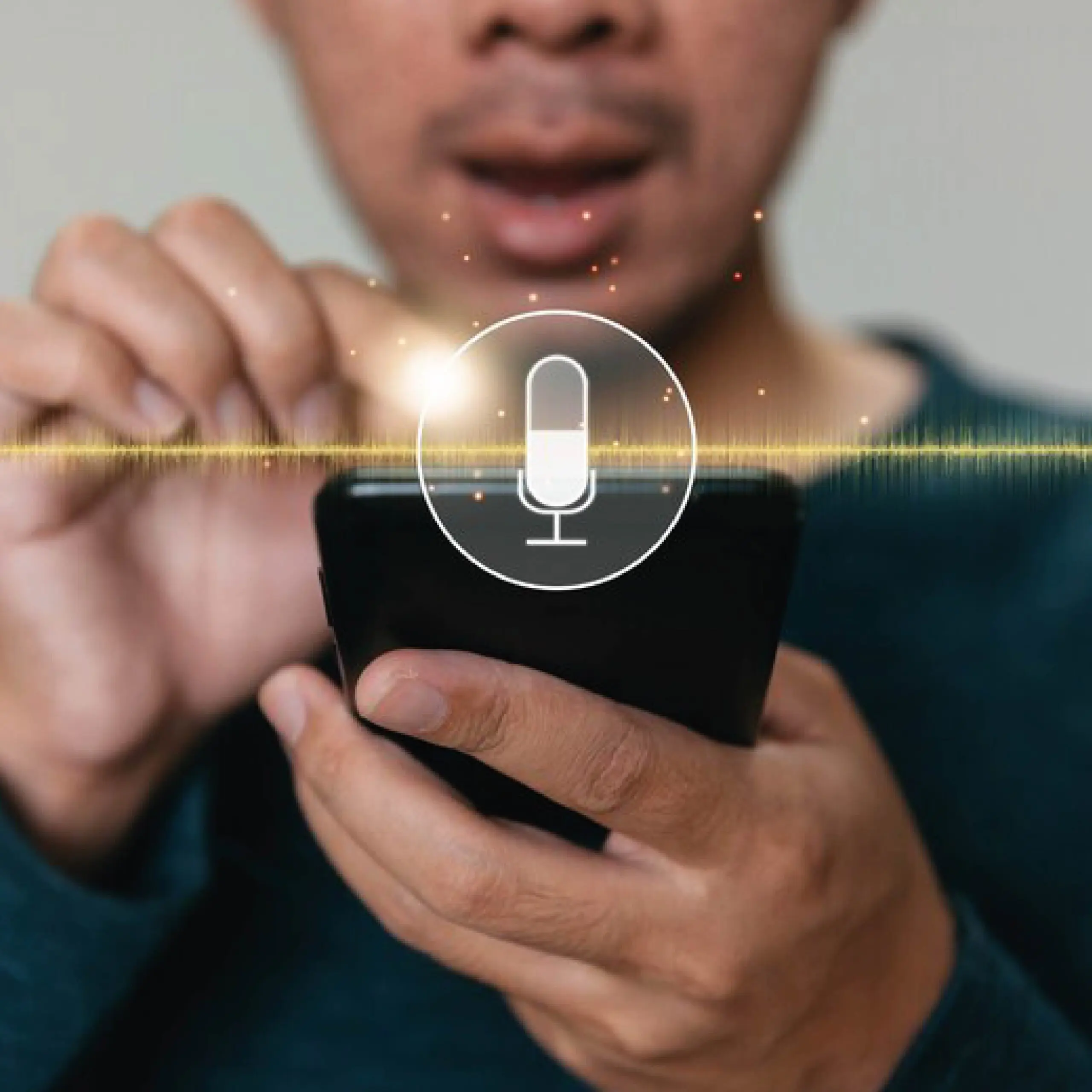
what is voice typing 03 scaled

VoiceDash Enhances Google Docs Collaboration

  • Clean output means less editing for team members.
  • Works seamlessly in comments and suggested edits too.
  • One Hotkey for Every App You Use
  • Google Docs + Microsoft Word + Notion + Slack + Jira + ChatGPT + Gemini + Cursor

Same hotkey works in

Google Docs
Writing
Google Docs
Notion
Productivity
Notion
Slack
Productivity
Slack
Jira
Developer
Jira
ChatGPT
Productivity
ChatGPT
Gemini
Productivity
Gemini
Cursor
Developer
Cursor

Frequently asked questions

Related guides

Image Dark Image
Voice Typing in Microsoft Word

Explore
Image Dark Image
Voice Typing in Slack

Explore

Start Dictating in Docs Now

Make collaborative writing faster and less frustrating.

VoiceDash Logo

Download for Mac

Just drop your email to get started, it's free and fast.

VoiceDash Logo

Download for Windows

Just drop your email to get started, it's free and fast.

VoiceDash Logo

Download for Android

Just drop your email to get started, it's free and fast.

VoiceDash Logo

Download for Ios

Just drop your email to get started, it's free and fast.

VoiceDash Logo

Download for Linux

Just drop your email to get started, it's free and fast.

VoiceDash Logo

Download

Just drop your email to get started, it's free and fast.

Free 15-Minute Session

See VoiceDash in Action

Book a quick live walkthrough and see how VoiceDash helps you write faster with AI voice.

No sales pitch • Just a live product walkthrough