
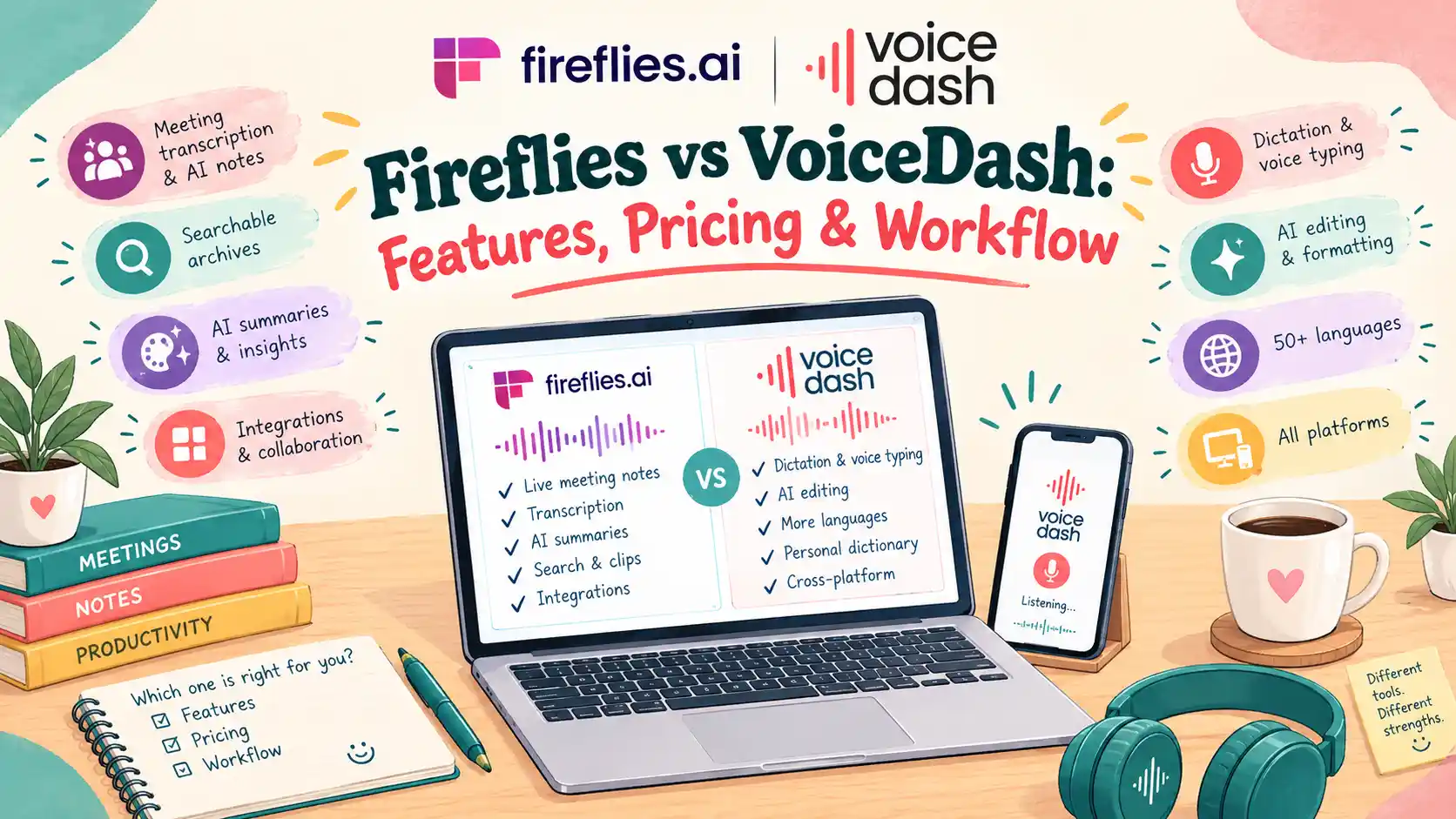
Fireflies vs VoiceDash: Which AI Voice to Text Should You Choose in 2026?
Your meeting ends and you only have a transcript, a summary, and a list of action items. But you still need to write follow-up emails, update documents, prepare reports, and respond to messages. That is where the difference between Fireflies and VoiceDash becomes important.
Fireflies vs VoiceDash at a Glance
Choose VoiceDash if your day involves free writing emails, preparing documents, editing text, and communicating across desktop and mobile devices. Its combination of live dictation, Command Mode, and AI meeting summaries supports a broader voice-writing workflow.
Choose Fireflies if your main priority is automated meeting recording, searchable transcripts, CRM integrations, and team collaboration. Fireflies Talk also provides unlimited free desktop dictation on Mac and Windows.
The important distinction is not simply which product recognizes speech. It is which one fits the tasks you perform before, during, and after meetings.
| Feature | VoiceDash.ai | Fireflies.ai |
|---|---|---|
| Primary purpose | Voice writing, editing, and meeting summaries | Meeting intelligence and voice productivity |
| Dictation into apps | Yes | Yes, through Fireflies Talk |
| Mac and Windows | Supported | Supported |
| Mobile dictation | iOS and Android | Talk mobile support planned |
| Voice editing | Command Mode | Context-aware dictation formatting |
| AI meeting summaries | Yes | Yes |
| Business integrations | Direct writing into supported applications | Meeting and CRM integrations |
| Adaptive model routing | Multi-model architecture reported by VoiceDash | Not established |
| Entry paid plan | $12/month, annual billing | $10/user/month, annual billing |
Stop typing and start speaking. Try VoiceDash free speech-to-text tool to turn your words into clear, accurate text in seconds.
What Is VoiceDash?
VoiceDash is an AI-powered voice-to-text platform that helps people write, edit, and organize information using natural speech. Instead of treating transcription as a separate task, it brings voice input into the applications where work already happens. You place your cursor in a supported text field, speak naturally, and receive written text in that location. You can also use spoken commands to create or revise content. This makes VoiceDash relevant to people who regularly move between emails, documents, messaging tools, browsers, and productivity applications.
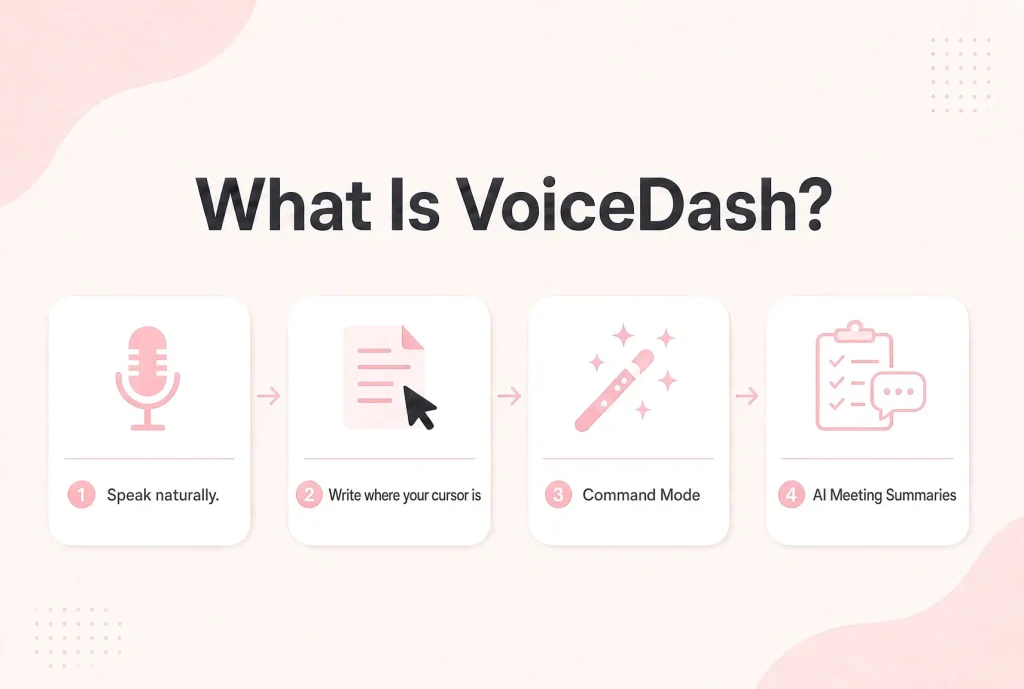
Write Directly Where Your Cursor Is
Imagine preparing a client update in Gmail. You know what you want to communicate, but typing and polishing the entire message takes time. With VoiceDash, you can place your cursor in the email field and dictate the message. The platform processes your speech into readable text, including punctuation, capitalization, grammar cleanup, and filler-word removal.
The same approach can be used for reports, notes, forms, messages, and documents. The benefit is avoiding unnecessary steps between speaking and writing. Instead of moving a transcript between applications, you can continue working in the application where the text belongs.
Command Mode: Create and Edit Content by Voice
VoiceDash also includes Command Mode. Ordinary dictation converts spoken words into text. Command Mode lets you describe the writing task you want completed.
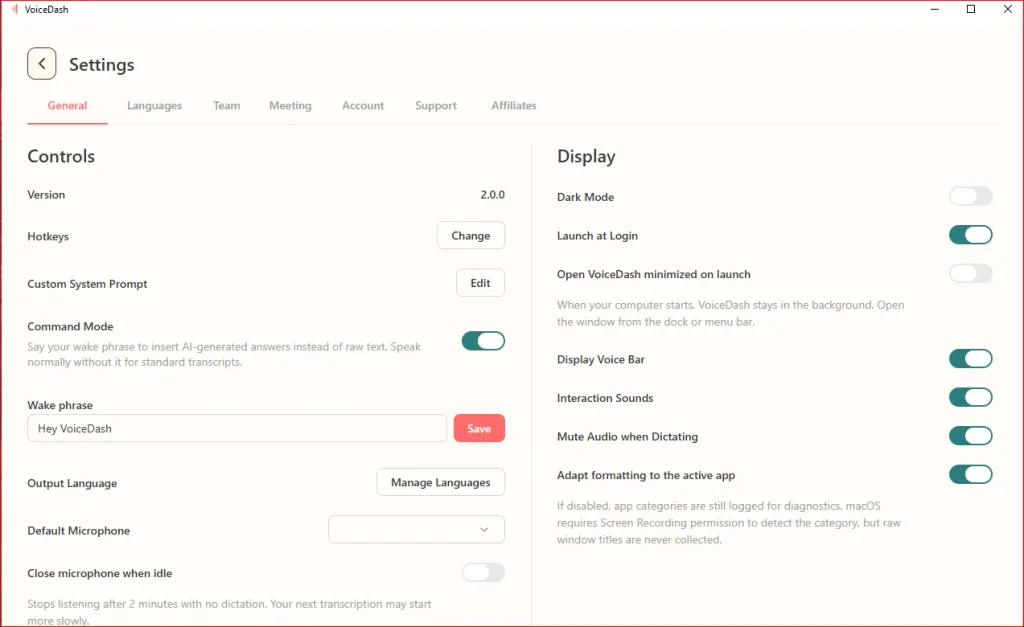
For example, you could say:
Write David a friendly email confirming Wednesday’s meeting. Ask him to prepare the KPI report and make sure Sarah can attend.
Instead of transcribing that instruction literally, Command Mode can create a structured email. It can also help users rewrite paragraphs, shorten explanations, adjust tone, and organize information. For professionals who frequently prepare reports, proposals, emails, and project updates, this extends voice input beyond basic transcription.
AI Meeting Summaries
VoiceDash also includes AI meeting summary functionality. The feature is designed to process realistic conversations involving different English accents, raised voices, quiet speech, and emotionally intense discussions. Its purpose is to turn complicated spoken information into a coherent summary that can be reviewed and reused.
See VoiceDash AI Meeting Summary in Action
This matters because real meetings rarely follow a perfect script. Participants interrupt each other, change topics, and speak at different volumes.
VoiceDash also provides a Free AI meeting summary generator!
What Is Fireflies.ai?
Fireflies.ai is an AI meeting assistant designed to capture, transcribe, summarize, search, and organize conversations. Its established strength is meeting intelligence.
Fireflies connects with conferencing platforms, including Zoom, Google Meet, and Microsoft Teams. It can preserve meeting records, generate transcripts, and help teams find information from previous discussions.
For organizations that conduct frequent customer calls, interviews, project reviews, and internal meetings, these capabilities can reduce manual documentation.
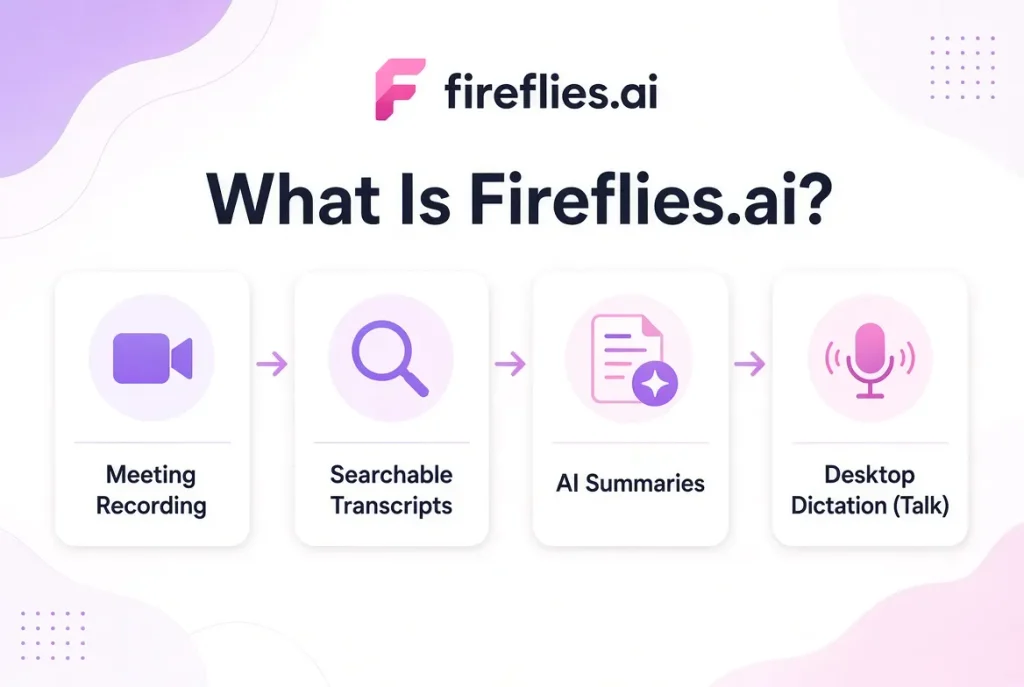
Meeting Recording and Searchable Transcripts
Fireflies supports automated meeting capture through conferencing integrations. It also allows users to upload existing audio and video files for transcription.
After processing, users can search conversations and review previous discussions without replaying entire recordings. This is useful when someone needs to confirm a customer requirement, revisit a decision, or check a commitment.
AI Summaries and Follow-Up Tasks
Fireflies can generate meeting summaries and organize information from conversations. Depending on the plan, users can access action items, collaboration features, meeting insights, and integrations. These features are particularly relevant when multiple team members need access to the same meeting history.
Fireflies Talk: Desktop Dictation
Fireflies launched Talk on September 29, 2026. Talk lets users dictate directly into applications on Mac and Windows. It removes filler words, adds punctuation, and adapts formatting to the application. It is included in every Fireflies plan, including Free, with unlimited dictation. This means Fireflies is no longer only a meeting assistant. It also competes in desktop voice typing.
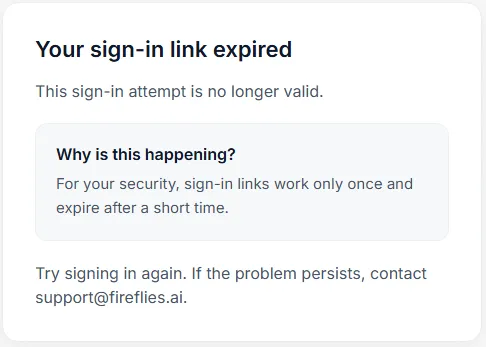
In our test at VoiceDash, we confronted some frictions to log into the tool.
Turn Meetings into Action With AI! Generate professional, personalized meeting follow-up emails in seconds. Save time, capture key takeaways, and keep conversations moving forward.
Generate My Free Follow-Up Email
Fireflies vs VoiceDash: Seven Differences That Matter
The products overlap in transcription, dictation, and AI-generated text. Their differences become clearer when you compare how each feature fits into an actual working day.
1. Voice Dictation Across Devices
Both products support dictation directly into applications. VoiceDash supports Mac, Windows, iOS, and Android. Fireflies Talk currently supports Mac and Windows, while mobile Talk support is planned. That difference matters if you regularly switch between devices.
Best fit: VoiceDash for cross-platform dictation; Fireflies Talk for desktop dictation.
Does Fireflies Dictate Math Symbols?
2. Voice Editing and Content Creation
Both products clean up dictated speech. Fireflies Talk removes filler words, adds punctuation, and adapts formatting to different applications. VoiceDash adds Command Mode, which supports explicit spoken instructions for writing and editing. Consider a project manager preparing a weekly update. They dictate rough notes about completed tasks, blockers, and upcoming deadlines. The first draft contains useful information, but it needs structure. With VoiceDash, they can use voice commands to reorganize the content, change its tone, or create a shorter version. The value comes from moving beyond capturing words toward producing a usable document.
Best fit: VoiceDash for voice-controlled drafting and editing.
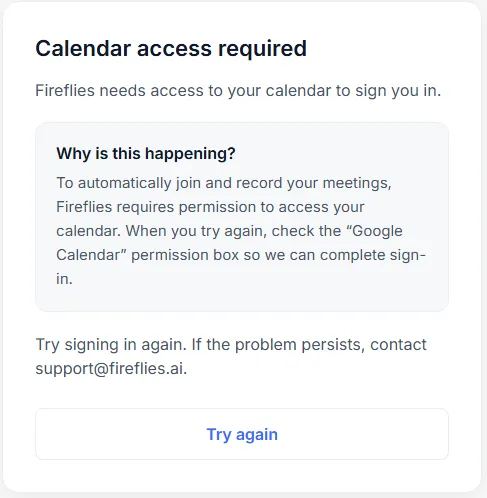
Fireflies needs access to the users’ calendar to sign them in.
3. AI Meeting Summaries
Both platforms offer AI meeting summaries. Fireflies provides an established workflow for recording meetings, generating transcripts, creating summaries, and searching previous conversations. VoiceDash’s meeting summary capability extends its voice writing and editing platform.
VoiceDash system is designed to process challenging speech conditions, including different English accents, raised voices, and quiet speech. These capabilities matter because real conversations can involve interruptions, background noise, and overlapping speakers.
However, no AI summary should be assumed to capture every detail perfectly. Important decisions, names, dates, numbers, and deadlines should be checked against the original record.
Best fit: Fireflies for established meeting management; VoiceDash for combining meeting summaries with voice-driven writing.
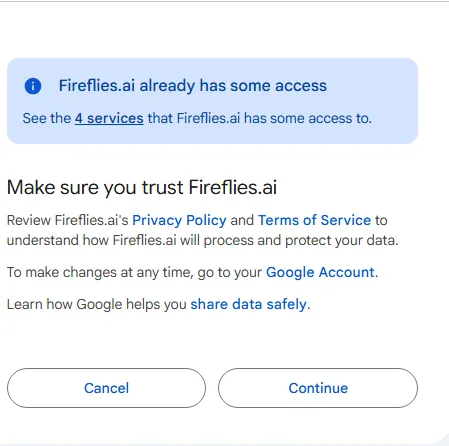
Fireflies has access to some of the Google Account services.
4. Transcription Accuracy
Accuracy is important, but it cannot be established through product claims alone. Speech recognition performance depends on microphone quality, background noise, accents, language, speaker overlap, and technical vocabulary. VoiceDash uses an adaptive multi-model processing pipeline. The platform can select different transcription and cleanup models depending on the language and application. Fireflies also uses AI-powered transcription and formatting. No controlled independent benchmark in this comparison establishes that either product consistently achieves lower transcription error rates.
5. Adaptive AI Architecture
VoiceDash’s internal architecture is an important technical characteristic. The platform does not rely on one fixed model for every speech-processing task. Instead, its system can route requests between different transcription and cleanup models. This routing is controlled through live configuration.
Engineers can adjust model traffic, reverse changes, or assign individual users to different models without releasing a new application version. VoiceDash also uses continuous evaluation.
Candidate models can be tested against real transcripts and run in shadow mode alongside production systems before deployment. The potential benefit is flexibility as speech recognition technology changes.
This architecture does not automatically prove better accuracy or lower latency than Fireflies, but it explains how VoiceDash approaches ongoing model improvement.
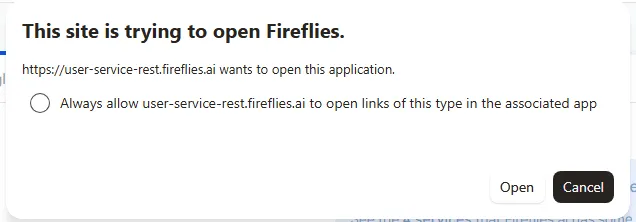
Fireflies asked for permanent access to open the links associated with its desktop app.
6. Integrations and Automation
Fireflies has an established meeting integration ecosystem. It connects with conferencing platforms and business applications, making it useful for organizations that want meeting information to move between systems. For example, a sales team may want customer calls recorded, summarized, and connected to CRM workflows. Fireflies is designed for this type of process.
VoiceDash approaches application compatibility through direct dictation. Users can create text inside supported applications without transferring transcripts between separate tools. This is useful for writing, but it is not equivalent to automated meeting-to-CRM synchronization.
7. Language Support
Fireflies advertises meeting transcription in more than 100 languages and Fireflies Talk dictation in more than 90 languages.
VoiceDash uses language-aware model routing. However, the exact number of supported languages across all VoiceDash features are over 50 ones.
Language support should also be evaluated separately from accuracy. A platform may support a language but perform differently with regional accents, specialist vocabulary, or mixed-language speech. Users working across languages should test representative recordings before relying on either tool.
Fireflies vs. VoiceDash: Case Study
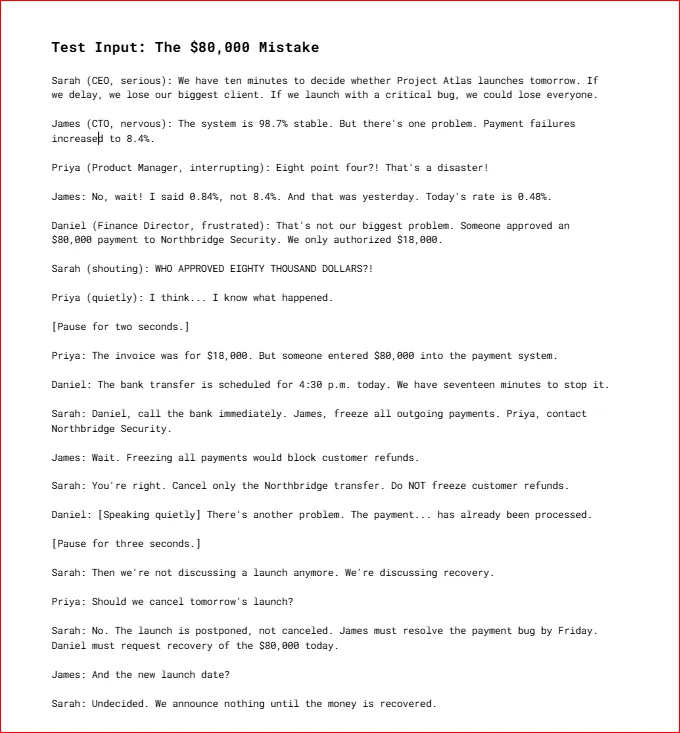
To evaluate how effectively AI meeting assistants handle high-stakes conversations, we at VoiceDash compared a Fireflies summary with a structured VoiceDash-style summary using the same meeting transcript: “The $80,000 Mistake.”
The test included several challenges for AI note-taking tools: corrected financial figures, conflicting instructions, changing decisions, urgent deadlines, and multiple action items. The goal was to determine which summary made the meeting’s final decisions and next steps easier to understand without losing critical details.
What Actually Happened in the Meeting?
The Project Atlas team faced two urgent problems: a critical payment bug threatening the next day’s launch and an unauthorized $80,000 payment to Northbridge Security, despite an approved amount of only $18,000.
During the discussion, the team clarified several important details:
- Payment failure rate: James corrected the initial 8.4% figure to 0.84% for yesterday and 0.48% for today.
- Unauthorized payment: An $80,000 transfer was entered instead of the approved $18,000. Although the team initially believed it could stop the transfer, the payment had already been processed.
- Launch decision: Sarah explicitly postponed Project Atlas rather than canceling it.
- Payment restrictions: Sarah corrected her original instruction to freeze all outgoing payments. Only the Northbridge transfer should be targeted, and customer refunds must remain unaffected.
- Responsibilities: Daniel must request recovery of the $80,000 today, while James must resolve the payment bug by Friday.
- Communication: The team must not announce anything until the money is recovered.
These details provide a useful test of whether an AI meeting assistant can distinguish initial statements from corrected facts and final decisions.
Fireflies vs. VoiceDash: Side-by-Side Comparison
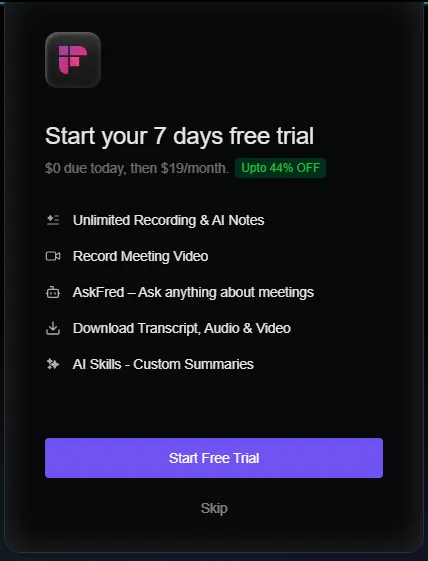
In the 7-day free trial of Fireflies, the users cannot download the output unless they purchase it.
| Evaluation Criteria | Fireflies | VoiceDash-style Summary |
|---|---|---|
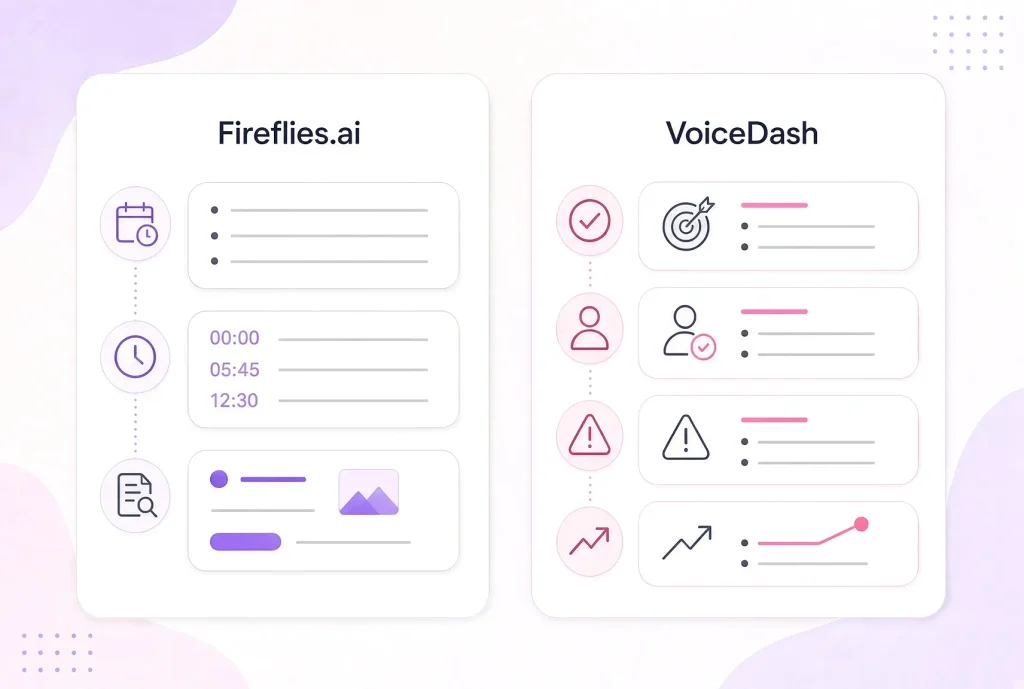
| Summary Structure | Chronological, timestamped bullet points. | Organized into Summary, Progress, Blockers, Decisions, Coming Up, and Action Items. |
| Payment Discrepancy | Identifies the $80,000 payment, $18,000 authorization, and processed transfer. | Preserves the figures while highlighting the recovery responsibility and deadline. |
| Customer Refunds | Indicates that refunds should remain unaffected. | Explicitly states that customer refunds must not be frozen. |
| Action Items | Responsibilities appear throughout the notes. | Separates owners, tasks, and deadlines into a dedicated section. |
| Payment Failure Rates | Captures the correction from 0.84% yesterday to 0.48% today. | Preserves both corrected figures and their timing. |
| Communication Restrictions | Captures the instruction to remain silent until recovery. | Includes the restriction under Decisions and Action Items. |
| Handling Corrections | Some wording around the payment freeze is less precise. | Clearly reflects the final corrected instructions. |
Where Fireflies Performs Well
Fireflies captures the main events, financial figures, and sequence of the conversation. Its timestamped format is useful when someone needs to revisit a specific moment in the meeting. It also preserves important information, including the payment discrepancy, corrected failure rates, and decision to postpone the launch.
However, its chronological presentation requires readers to piece together decisions and responsibilities from multiple notes. In a time-sensitive situation, that additional interpretation can make the summary less immediately actionable.
Where the VoiceDash-Style Summary Performs Better
The structured VoiceDash-style summary prioritizes the information teams need after the meeting. Instead of presenting events primarily in the order they occurred, it separates the discussion into decisions, blockers, progress, and assigned tasks.
This distinction matters because several instructions changed during the conversation. For example, Sarah initially instructed James to freeze all outgoing payments. After James explained that doing so would block customer refunds, Sarah corrected the instruction to target only the Northbridge transfer.
A useful meeting summary must preserve the final instruction rather than treating both statements as equally valid. The VoiceDash-style format also makes ownership clearer:
- Daniel: Contact the bank and request recovery of the $80,000 today.
- James: Address the Northbridge transfer without freezing customer refunds.
- Priya: Contact Northbridge Security.
- James: Resolve the payment bug by Friday.
- Team: Make no announcement until the money is recovered.
By making these responsibilities visible in one place, the summary reduces the need to reread the entire conversation. Both approaches capture the meeting’s essential facts, including the unauthorized payment, corrected failure rates, and postponed launch.
Fireflies is useful for chronological meeting documentation, particularly when timestamps and the sequence of events matter.
The VoiceDash-style summary is more useful for tracking decisions and follow-up actions. Its structured sections make it easier to identify what changed, who is responsible, and which deadlines matter.
The key difference is not simply how much information each summary captures. It is how effectively that information is organized for action. For high-stakes meetings like “The $80,000 Mistake,” a summary that clearly separates corrected facts, final decisions, and assigned responsibilities provides greater practical value.
Fireflies vs VoiceDash Pricing
Both platforms offer free and paid plans. However, their pricing models reflect different priorities: VoiceDash emphasizes voice writing and editing, while Fireflies combines meeting intelligence with desktop dictation.
VoiceDash Pricing
| Plan | Monthly Billing | Annual Billing (Monthly Equivalent) |
| Free | $0 | $0 |
| Pro | $15 | $12 |
| Teams | $29 | $24 |
VoiceDash’s Free plan includes 1,000 words per month and basic voice-to-text functionality. Pro includes unlimited words, advanced AI editing, a personal dictionary, snippet libraries, and support across platforms. Teams adds collaboration features, including shared snippet libraries and support for multiple team members.
Fireflies Pricing
| Plan | Monthly Billing | Annual Billing (Per Seat/Month) |
| Free | $0 | $0 |
| Pro | $18 | $10 |
| Business | $29 | $19 |
| Enterprise | Annual only | $39 |
Fireflies’ Free plan includes meeting transcription with limits on AI summaries, storage, and other features. Paid plans add meeting capabilities, integrations, collaboration tools, and administrative controls.
Privacy and Data Security
AI voice tools may process confidential emails, business discussions, customer information, and personal notes. Privacy should therefore be part of the purchasing decision. The important questions include where audio is processed, whether recordings are retained, which subprocessors are involved, and what contractual protections are available.
VoiceDash: EU-First Infrastructure
VoiceDash’s infrastructure is EU-first. Its infrastructure runs in Frankfurt, Germany, and its text cleanup stage uses EU-hosted models. This may matter to organizations that prefer European processing infrastructure. However, EU hosting does not automatically establish full GDPR compliance or guarantee that every processing stage remains within the EU.
Organizations should review data processing agreements, subprocessors, retention policies, and applicable contractual commitments.
Fireflies: Meeting and Dictation Data
Fireflies publishes privacy and security documentation for its meeting and dictation products. Its Fireflies Talk documentation states that dictations are stored on the user’s device and are not used for model training. Meeting recording and storage follow separate service configurations. For either platform, organizations should evaluate the exact features they intend to enable rather than relying on general privacy claims.
Which Tool Is Better for Your Workflow?
The best choice between VoiceDash and Fireflies becomes clearer when you look at the tasks you perform most often. Someone who spends hours writing documents has different requirements from a sales team managing dozens of customer calls.
| User Type | Recommended Starting Point | Reason |
|---|---|---|
| Writers | VoiceDash | Dictation and explicit voice editing |
| Content creators | VoiceDash | Drafting and restructuring written content |
| Mobile professionals | VoiceDash | iOS and Android dictation |
| Consultants | VoiceDash | Writing across applications and devices |
| Sales teams | Fireflies | Meeting intelligence and CRM integrations |
| Recruiters | Fireflies | Searchable interview records |
| Desktop-only dictation users | Fireflies Talk | Unlimited free dictation |
| Managers | Depends on workflow | Meeting management versus written communication |
When Should You Choose VoiceDash?
- Choose VoiceDash when you want to use your voice for more than recording meetings.
- It is particularly relevant if you frequently dictate emails, prepare documents, edit written content, and switch between desktop and mobile devices.
- Command Mode provides an additional workflow for creating and changing text through spoken instructions.
- Its AI meeting summary functionality also extends the platform into conversation documentation.
- VoiceDash’s adaptive model architecture and EU-first infrastructure may matter to users with specific technical or data-processing requirements.
- The strongest reason to consider VoiceDash is that it is designed to make voice input useful across everyday writing tasks.
When Should You Choose Fireflies?
- Choose Fireflies when meetings are the main source of information your team needs to capture and organize.
- Its strengths include conferencing integrations, searchable transcripts, summaries, and business automation.
- Fireflies Talk also makes it attractive to desktop users who want unlimited free dictation.
- For organizations already using meeting-centered workflows, Fireflies may require fewer changes to existing processes.
Bottom Line
Fireflies and VoiceDash overlap more than they did before VoiceDash Meeting Summary Fireflies Talk launched. Both offer voice dictation and AI-powered text processing. Both also provide meeting-related capabilities. The difference is how those capabilities fit into daily work.
Fireflies is a strong choice for meeting-centered teams. Its recording, transcription, search, and integration features are useful for organizations that need to manage conversations at scale. VoiceDash is a strong choice for people who want voice-powered writing across devices. Its combination of live dictation, Command Mode, AI meeting summaries, and adaptive speech processing supports a broader writing and editing workflow.
If you spend most of your time managing meetings, start with Fireflies. If you spend much of your day writing, editing, and communicating across applications, VoiceDash is worth trying. Your voice should do more than create a transcript. It should help you finish the work.
Download VoiceDash and see how voice dictation and editing fit into your daily workflow.
