
- Introduction
- Why Prompt Quality Matters More Than Prompt Speed in Voice Prompting
- Voice Prompting vs Typing: The Real Difference
- Why Voice Prompting Often Produces Better AI Prompts
- When Typing Still Wins Over Voice Prompting
- Voice Prompting vs Typing Across Common AI Tasks
- Real Prompt Examples with Voice Prompting
- What Research and Experience Show About Voice Prompting
- The Best Workflow for Voice Prompting
- Choosing the Right Tool for Voice Prompting
- How VoiceDash Supports Effective Voice Prompting
- Conclusion
- FAQ on Voice Prompting
Voice Prompting for AI: Why Speaking Your Prompts Often Beats Typing
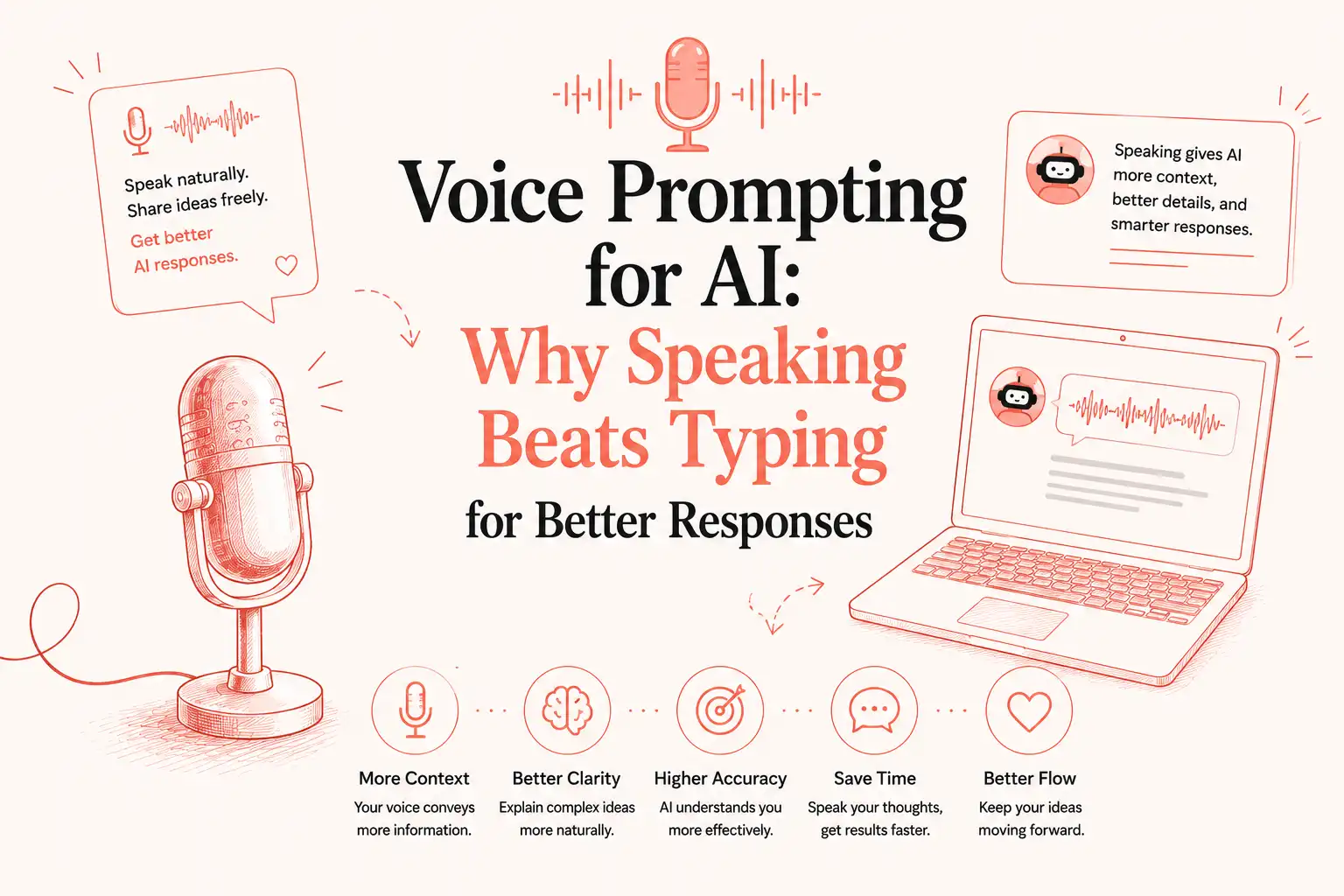
Voice prompting for AI frequently produces better responses than typing. Speaking naturally delivers richer context, fuller reasoning, and more complete details that typing tends to compress or omit. LLMs perform stronger with that extra signal. Typing retains advantages for precision tasks like code. The optimal approach combines voice prompting first for substance, followed by targeted edits.
Introduction
AI results depend on prompt quality more than most users realize. Many focus on typing faster or using templates, but they miss how the input method shapes the information the model receives. Voice prompting changes that. It lowers the barrier to sharing intent, constraints, examples, background, and edge cases because speaking feels closer to thinking aloud.
This article explores voice prompting versus typing across real scenarios. It covers why voice prompting often improves outputs, when typing still wins, concrete examples, research insights, and effective workflows for developers, writers, researchers, and other AI users. The focus stays on practical decisions rather than hype.
Why Prompt Quality Matters More Than Prompt Speed in Voice Prompting
LLMs generate responses based on the context you provide. Effective prompts include clear goals, constraints, examples, and relevant background. Typing often leads to compressed versions because each word requires deliberate effort. You filter ideas before they fully form.
Voice prompting works differently. You explain thoughts at a natural pace. You mention why something matters, what you tried before, and details that might otherwise get cut. This richer input helps the model understand your needs more accurately and deliver better results with fewer iterations. The advantage comes from context quality, not just speed.
Voice Prompting vs Typing: The Real Difference
| Aspect | Voice Prompting | Typing Prompts |
|---|---|---|
| Language style | Natural and conversational | Edited and concise |
| Thinking process | Externalizing ideas as they come | Planning then executing |
| Context provided | Rich with explanations and connections | Filtered to what feels essential |
| Working memory load | Lower | Higher |
| Iteration style | Easy to expand or clarify live | Requires stopping and rewriting |
| Strengths | Exploration, reasoning, complete explanations | Precision, exact syntax, formatting |
Voice prompting aligns well with how many professionals solve problems verbally. LLMs handle conversational language effectively due to their training. Typing remains useful for final refinements. Understanding the distinction between informal voice typing and more structured dictation helps clarify when each input style fits best, which is covered in detail in this comparison of voice typing vs dictation.

Why Voice Prompting Often Produces Better AI Prompts
Voice prompting reduces cognitive friction. You concentrate on the problem instead of sentence construction and typing mechanics.
It captures context that might otherwise be forgotten. Spoken explanations bring in edge cases, prior attempts, and audience details more readily.
Voice prompting preserves working memory. You can unload the full train of thought without holding pieces in your head while typing.
It encourages complete explanations. People naturally elaborate more when speaking, supplying the model with useful details on intent and constraints.
LLMs respond effectively to natural language. Voice prompting often creates inputs that feel more like collaborative dialogue.
When Typing Still Wins Over Voice Prompting
Voice prompting has clear limits. Typing works better for exact code snippets, regex patterns, SQL, JSON structures, URLs, passwords, or precise numerical data where transcription risks errors.
High-stakes legal, medical, or financial content requires careful manual review. Complex formatting, tables, or specialized shorthand also favors typing. In these cases, use voice prompting for the surrounding explanation and context, then insert or refine the technical sections manually.
Voice Prompting vs Typing Across Common AI Tasks
- Brainstorming and ideation: Voice prompting excels. It generates volume and unexpected connections quickly.
- Writing emails, reports, or content: Voice prompting for initial drafts and authentic tone. Edit afterward.
- Coding: Voice prompting for architecture, requirements, and debugging explanations. Type the actual implementation.
- Debugging: Voice prompting shines. Describe symptoms, attempts, and hypotheses conversationally.
- Research and summarization: Voice prompting helps incorporate full background from multiple sources.
- Learning and explanations: Dictate your current understanding and gaps for tailored teaching.
- Meeting summaries: Voice prompting to capture notes and interpretations.
- Prompt engineering: Voice prompting makes building detailed system prompts and examples easier.
- Editing and refinement: Typing for precise changes, though voice prompting can dictate revision instructions.
- Translation, planning, presentations, creative writing, and customer support: Voice prompting for flow and context. Typing for accuracy in specifics.
Hybrid voice prompting workflows cover the majority of daily AI use effectively. People dealing with typing strain often find the shift especially useful, as outlined in this guide on speech-to-text for carpal tunnel.
Real Prompt Examples with Voice Prompting
Typed prompt (typical concise version):
“Write a Python function to process CSV user data, handle missing values, and generate summary stats.”
Voice prompting version (natural speech, cleaned):
“Write a Python function that processes user data from a CSV file. This data comes from our legacy system and often has missing values in the age and income columns plus inconsistent formats from different regions. Handle missing values intelligently. Use medians for numerical fields and a special flag for categories. Generate summary statistics with means, distributions, and outlier detection. Include basic validation, logging for bad rows, and comments explaining the choices. Make it efficient for datasets up to a few hundred thousand rows.”
The voice prompting version usually results in more robust code with better handling of real-world issues. The same pattern holds for Claude, Gemini, Perplexity, Cursor, and other tools. The model receives clearer guidance and makes fewer assumptions.
What Research and Experience Show About Voice Prompting
People speak significantly faster than they type, allowing more detailed inputs in the same time. Think-aloud protocols in cognitive research show verbalization helps organize ideas and surface connections. Modern speech recognition achieves high accuracy on natural speech, especially with AI-powered cleanup for grammar and punctuation. Richer prompts generally improve LLM performance within context limits. Voice prompting makes achieving that richness less effortful, though results depend on the task and environment. Hybrid use addresses the remaining limitations.
Accuracy remains a practical concern for consistent results. Techniques for improving recognition quality, from audio setup to post-processing, are explained in this guide on how to improve speech-to-text accuracy.
The Best Workflow for Voice Prompting
Start with voice prompting to capture the full prompt naturally. Review the transcript for accuracy. Edit for precision, structure, or technical details. Submit to the AI and iterate as needed, mixing in more voice prompting for clarifications. This voice-first then keyboard-second pattern combines the strengths of both methods. Professionals report better outputs and reduced rework.
Choosing the Right Tool for Voice Prompting
Prioritize accuracy with natural speech and accents, low latency for flow, system-wide integration, privacy controls, custom vocabulary support, and cross-platform availability. The tool should work reliably in any text field without disrupting your apps.
Users often evaluate options against specific needs. Side-by-side looks at Otter versus VoiceDash, Voibe versus VoiceDash, Blabby versus VoiceDash, and Aqua Voice versus VoiceDash highlight differences in focus, platforms, and cleanup capabilities. Those moving away from older software can also review Dragon NaturallySpeaking alternatives.
How VoiceDash Supports Effective Voice Prompting
VoiceDash delivers real-time voice prompting across Windows, Mac, iPhone, and Android. It functions in any application with a text cursor, including ChatGPT, Claude, Gemini, Perplexity, Cursor, VS Code, Google Docs, Notion, Slack, and more. The system transcribes naturally, applies AI cleanup for grammar and punctuation, and removes fillers to produce ready-to-use text. This setup keeps the voice prompting workflow consistent whether you are at a desk or on mobile.
For everyday applications beyond AI tools, the same approach works well when creating content on platforms like LinkedIn, as shown in this walkthrough of voice typing on LinkedIn.
Conclusion
Voice prompting and typing serve different purposes. Voice prompting captures thinking and rich context effectively. Typing provides precision where it counts. The strongest AI users rely on both: voice prompting to generate substance and typing to refine. Try voice prompting on your next complex task and observe the difference in response quality. This practical combination helps you get the most value from tools like ChatGPT, Claude, Gemini, and others.
