
- Quick Answer: How to Convert Lecture Recordings to Notes
- Why Reviewing Recorded Lectures Feels Slow
- The 3-Layer Lecture Compression Model
- Manual vs AI Transcription: Time, Cost, Accuracy
- Why This Model Works: Learning Science Perspective
- Mini Case Study: Before and After Workflow
- Common Mistakes When Converting Lecture Recordings to Notes
- AI Transcription Limitations and Edge Cases
- Privacy and Legal Considerations
- Choosing the Right Lecture Transcription Tools
- Advanced Optimization: Integrating Automatic Summarization
- How to Reduce Manual Review Even Further
- Frequently Asked Questions
- Final Thoughts
How to Turn Lecture Recordings Into Study Notes
Recording your classes is easy. Turning lecture recordings to notes without replaying audio for hours is not.
Most students waste time in the same loop: replay, pause, type, rewind, adjust speed, repeat. The result is fragmented attention and slow comprehension.
This guide shows how to convert lecture recordings to notes using a structured, research-backed system. You will learn:
- Why manual review feels exhausting
- How AI speech-to-text software changes the workflow
- A branded compression framework for faster study
- A clear comparison of manual vs AI transcription
- Accuracy, privacy, and tool considerations
If you want to reduce review time while improving retention, the solution is not working harder. It is redesigning the workflow.
Quick Answer: How to Convert Lecture Recordings to Notes
To convert lecture recordings to notes efficiently:
- Capture clear audio.
- Use AI transcription to convert speech to text.
- Compress the transcript into structured study notes using a layered outline.
- Add a short synthesis summary for retention.
Separating listening from organizing reduces cognitive overload and cuts review time dramatically.
Why Reviewing Recorded Lectures Feels Slow
Recording lectures feels productive. Reviewing them rarely does.
The slowdown comes from cognitive overload.
When replaying audio, your brain is forced to:
- Listen to incoming information
- Decide what matters
- Translate speech into text
- Process meaning
- Manage formatting
Working memory is limited. Research in cognitive load theory shows that multitasking during learning reduces encoding efficiency. When you try to transcribe and understand simultaneously, comprehension drops.
There is also switching cost. Every pause and rewind resets context. Over a 60-minute lecture, this adds up to dozens of interruptions.
Students who convert lecture recordings to notes without separating stages often spend two to three hours processing a single class.
Efficiency compounds. Saving 40 minutes per lecture across five weekly classes equals more than three hours saved per week. Over a semester, that becomes dozens of hours redirected toward practice problems or revision.
The goal is not faster typing. It is lower cognitive friction.
The 3-Layer Lecture Compression Model
Most guides suggest “Record → Transcribe → Organize.” That is directionally correct but incomplete.
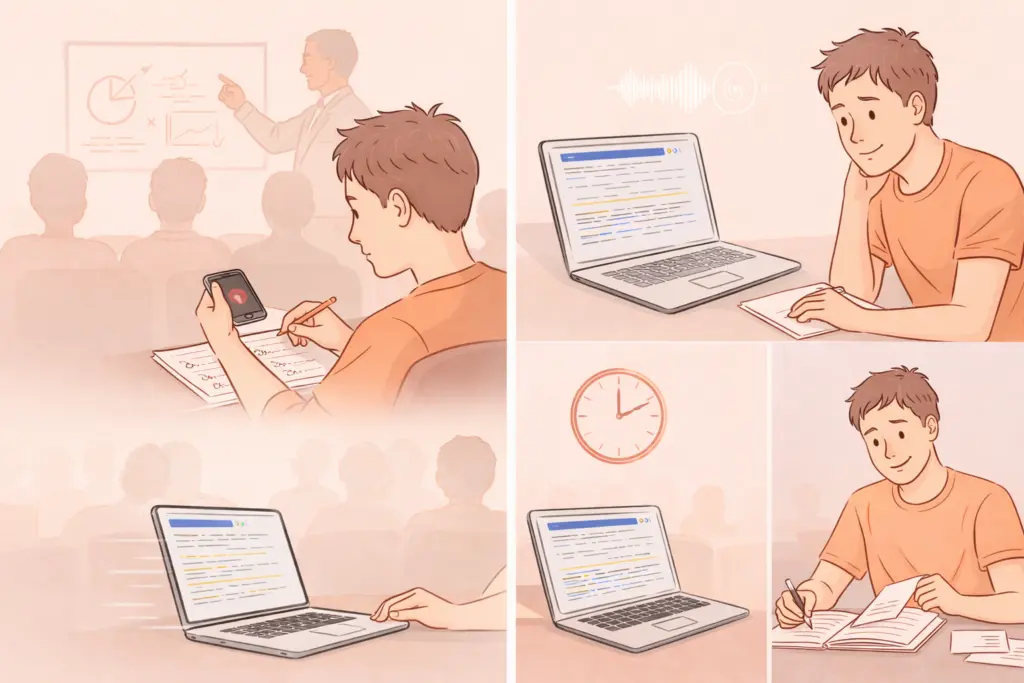
A stronger system is the 3-Layer Lecture Compression Model:
- Capture Layer
- Conversion Layer
- Compression Layer
Each layer has a different cognitive purpose.
Layer 1: Capture Without Overwriting Your Attention
During class, your job is understanding, not documentation.
If recording is allowed, focus on:
- Marking timestamps when key concepts appear
- Writing short keywords instead of sentences
- Flagging confusing explanations
Avoid writing verbatim notes. Capture anchors, not transcripts.
Clear audio improves downstream accuracy. Sit closer to the speaker when possible. Reduce background noise. Clean input improves speech recognition performance.
Layer 2: Convert Audio to Text Using best Speech-to-Text Software
This is where most time is either saved or lost.
Manually replaying lectures while typing is inefficient. Modern voice recognition systems convert academic speech into text within minutes.
AI lecture transcription tools use deep learning speech models trained on diverse accents and terminology. With clean audio, accuracy often reaches high reliability for structured lectures. Technical vocabulary may require light editing.
Benefits of automatic lecture transcription:
- Faster scanning instead of replaying
- Keyword search within lectures
- Reduced typing fatigue
- Clear separation of listening and analysis
At this stage, do not organize. Convert first.
Layer 3: Compress the Transcript Into Structured Notes
Raw transcripts are not study notes.
Compression means extracting structure and meaning.
Turn transcripts into:
- Clear H2-level themes
- Subtopics and definitions
- Supporting examples
- Diagrams described in bullet form
- Short concept summaries
Think in layers:
Layer 1: Core concepts
Layer 2: Supporting explanations
Layer 3: Applied examples
Finally, add a 5 to 8 sentence synthesis summary at the end. This activates retrieval and strengthens encoding.
This compression layer is where learning happens. Transcription simply enables it.
Manual vs AI Transcription: Time, Cost, Accuracy
Many students ask whether automatic transcription is worth it.
Below is a structured comparison.
| Factor | Manual Replay & Typing | AI Lecture Transcription |
|---|---|---|
| Time for 60-min lecture | 2 to 3 hours | 10 to 20 minutes processing plus editing |
| Cognitive load | High multitasking | Lower during conversion |
| Accuracy | Depends on typing and focus | High with clean audio, minor edits needed |
| Searchability | None unless fully typed | Full-text searchable |
| Effort | High sustained effort | Light editing effort |
| Cost | Free but time-intensive | Often low monthly cost or included in apps |
Manual methods appear free, but the opportunity cost is high.
AI-assisted speech-to-text software does not remove the need to think. It removes mechanical friction.
For competitive study environments, time efficiency matters.
Why This Model Works: Learning Science Perspective
The 3-Layer Lecture Compression Model aligns with established learning principles.
Reduced Cognitive Load
Separating conversion from analysis lowers intrinsic cognitive load. You are not processing and producing simultaneously.
Encoding Through Summarization
Writing a final summary strengthens encoding. Retrieval practice improves retention more than passive listening.
Hierarchical Structuring
Organizing material into layered headings mirrors how memory categorizes information. Structured outlines improve recall compared to dense paragraphs.
Spaced Review Compatibility
When transcripts are searchable and compressed into summaries, spaced repetition becomes easier. You can review specific sections instead of replaying entire lectures.
The workflow supports both efficiency and retention.
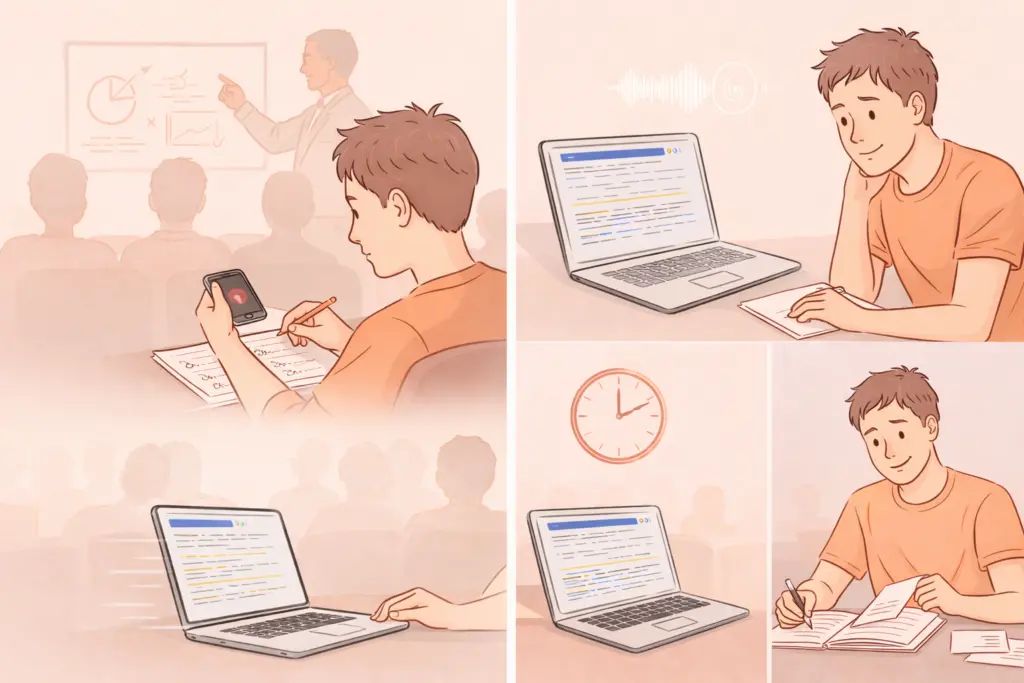
Mini Case Study: Before and After Workflow
Consider a student attending five 60-minute lectures per week.
Before using structured AI transcription:
- 2.5 hours reviewing each lecture
- 12.5 hours weekly review time
- Frequent fatigue and incomplete notes
After implementing the 3-Layer Lecture Compression Model:
- 15 minutes for transcription
- 45 minutes structured compression
- 1 hour total per lecture
- 5 hours weekly review time
Weekly time saved: 7.5 hours.
More importantly, review shifts from passive replay to active restructuring.
Common Mistakes When Converting Lecture Recordings to Notes
Writing Verbatim Transcripts as Notes
Transcripts are raw material. Notes require hierarchy.
Dense text blocks slow exam review.
Over-Formatting Before Understanding
Color coding and design should follow comprehension. Structure first, styling later.
Ignoring Academic Transcription Limitations
Speech recognition struggles with:
- Heavy background noise
- Multiple overlapping speakers
- Specialized terminology not commonly used
Expect light corrections. Accuracy improves with clear recordings.
AI Transcription Limitations and Edge Cases
Balanced understanding builds better workflows.
Technical Vocabulary
Engineering, medicine, and law often include domain-specific terminology. AI may misinterpret rare terms. Light manual correction is normal.
Accent and Audio Quality
Voice recognition systems perform best with clear speech and minimal echo. Large lecture halls may reduce accuracy.
Multi-Speaker Discussions
Seminars with rapid back-and-forth dialogue are harder to transcribe cleanly.
Real-Time vs Post-Lecture Transcription
Real-time transcription is convenient but may introduce small errors. Post-processing often produces more accurate output.
Understanding limitations prevents unrealistic expectations.
Privacy and Legal Considerations
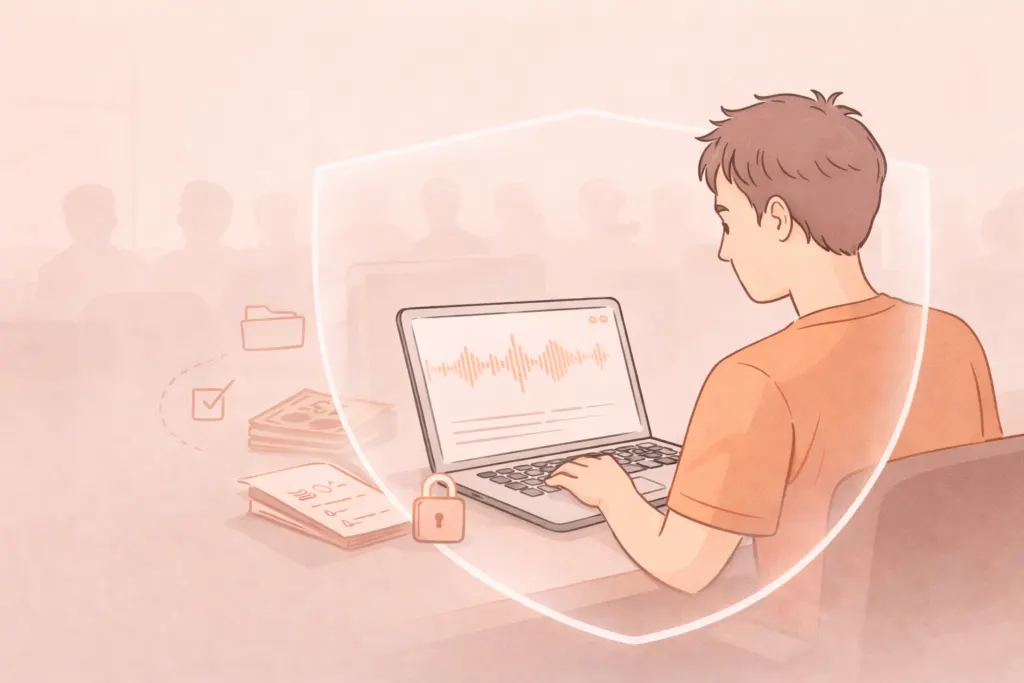
Before recording lectures:
- Confirm institutional policy.
- Check whether instructor permission is required.
- Avoid sharing recordings without consent.
From a data perspective:
- Review whether your transcription tool stores audio.
- Check encryption standards.
- Understand data retention policies.
Privacy matters, especially for academic environments.
Choosing the Right Lecture Transcription Tools
When evaluating voice-to-text software for lectures, consider:
Accuracy Benchmarks
Look for tools that handle long-form speech and structured academic content.
Editing Interface
Clean editing environments reduce friction during compression.
Search and Export Options
Searchable transcripts and easy export to note apps improve workflow integration.
Device Compatibility
Mobile recording plus desktop editing is common. Cross-device access matters.
Cost Structure
Some tools offer free tiers with limited minutes. Others provide unlimited plans.
If you are exploring broader strategies, related guides include:
- Lecture note taking systems for exam preparation
- AI transcription accuracy for students
- Best voice-to-text apps for academic workflows
- How to summarize transcripts using AI
Building a cluster of knowledge around speech recognition and structured study systems improves long-term productivity.

Advanced Optimization: Integrating Automatic Summarization
Beyond transcription, AI can assist with:
- Extracting key bullet points
- Identifying definitions
- Generating first-pass summaries
However, do not rely solely on automatic summarization. Use it as a draft. Human compression strengthens learning.
The most effective workflow is hybrid:
AI for conversion
Student for compression
That balance maintains cognitive engagement.
How to Reduce Manual Review Even Further
Time-Block Compression
Edit transcripts in 15-minute segments to avoid fatigue.
Concept Tagging
Highlight repeated themes. Professors often signal exam relevance through repetition.
Weekly Synthesis Pages
Create a weekly master summary combining multiple lectures. This improves cross-topic integration.
Frequently Asked Questions
Can I automatically convert lecture recordings to notes?
Yes. AI lecture transcription tools convert audio into editable text within minutes. You still need to compress and organize the transcript into structured notes for effective studying.
How accurate is AI transcription for academic lectures?
With clear audio, modern speech recognition systems are highly reliable. Minor corrections may be needed for technical terminology or strong accents. Accuracy improves significantly compared to manual live typing.
Is manual transcription ever better?
Manual transcription can help in highly technical courses where precision matters. However, it is time-intensive. Most students benefit more from AI-assisted conversion followed by structured editing.
Are lecture transcription tools expensive?
Many offer free tiers or affordable monthly plans. Compared to the time saved, the cost is often minimal. Evaluate minutes included, export flexibility, and editing features before choosing.
Is it legal to record university lectures?
Policies vary by institution. Some require instructor consent. Always verify university guidelines before recording and avoid sharing recordings without permission.
How do I protect my privacy when using AI transcription tools?
Check whether audio is encrypted, how long files are stored, and whether data is used for model training. Choose platforms with transparent privacy policies.
Should I use real-time or post-lecture transcription?
Post-lecture transcription often yields higher accuracy because processing models have more context. Real-time tools are convenient but may require more corrections.
Final Thoughts
Converting lecture recordings to notes efficiently is not about speed alone. It is about system design.
Manual replay forces your brain into multitasking mode. AI-assisted speech-to-text separates mechanical conversion from intellectual compression.
The 3-Layer Lecture Compression Model provides a repeatable structure:
Capture clearly.
Convert cleanly.
Compress intelligently.
When lecture recordings to notes becomes a structured workflow instead of a reactive habit, study time decreases while retention improves.
In competitive academic environments, workflow quality is leverage.
