
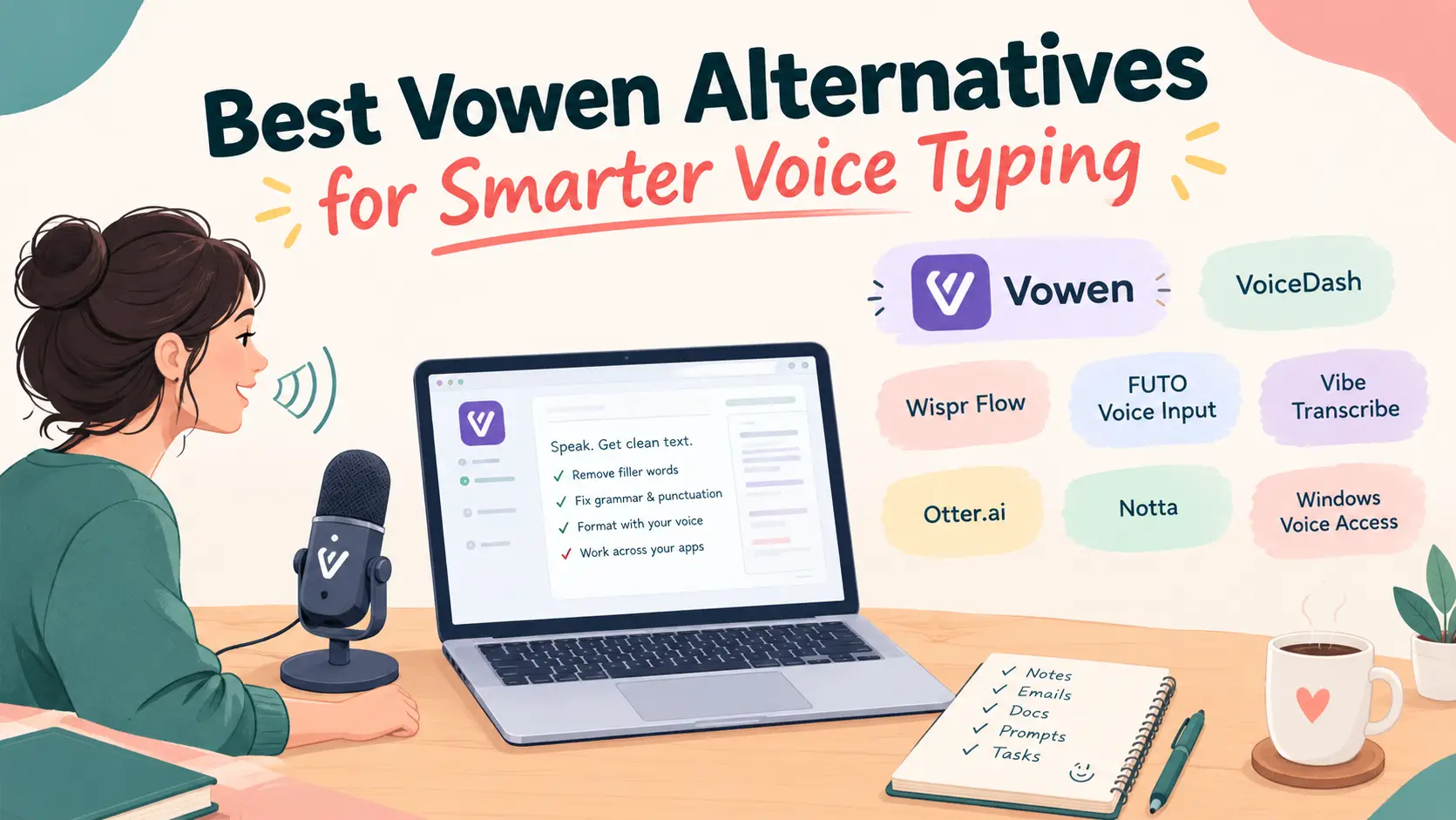
9 Best Vowen Alternatives in 2027: Compare Speech-to-Text Tools
Looking for a better way to turn speech into text? The best Vowen alternatives in 2027 include VoiceDash, Wispr Flow, Spokenly, Handy, VoiceInk, and several other applications designed for voice typing, AI dictation, and meeting transcription.
Vowen offers unlimited basic free voice to text on desktop dictation, with a $49 one-time Pro upgrade. However, it isn’t the only option available. Some alternatives like VoiceDash provide cross-platform voice typing, others focus on offline speech recognition, and several specialize in converting meetings into searchable notes.
In this guide, we’ll compare 9 Vowen alternatives based on their features, pricing, platform compatibility, and practical use cases. We’ll also examine how VoiceDash compares with Vowen, particularly for users who need both everyday dictation and meeting summaries.
What Are the Best Vowen Alternatives?
VoiceDash is a strong alternative for cross-platform voice typing and meeting summaries, Wispr Flow is suitable for AI-assisted writing, Handy is an excellent free offline option, and Otter.ai is designed for meeting transcription.
Here is a quick comparison of the 10 applications:
| Software | Best For | Main Advantage |
|---|---|---|
| VoiceDash | Voice typing and meeting summaries | Cross-platform dictation and 5 monthly meeting summaries |
| Wispr Flow | AI-assisted voice writing | Natural speech-to-text workflow |
| Spokenly | Flexible speech recognition | Free local models and optional cloud processing |
| Handy | Free offline dictation | Open-source desktop transcription |
| FUTO Voice Input | Android dictation | On-device speech recognition |
| Vibe Transcribe | Audio and video transcription | Local media transcription |
| Otter.ai | Meeting notes | Live meeting transcription |
| Notta | Meeting documentation | Transcription and AI summaries |
| Windows Voice Access | Windows voice control | Built-in dictation and navigation |
The most important distinction is between live dictation, meeting summaries, and recorded audio transcription. These workflows overlap, but they aren’t interchangeable.
For a broader overview of available applications, explore our guide to the best voice-to-text software.
10 Best Vowen Alternatives in 2027
The 10 best Vowen alternatives serve different needs, ranging from live voice typing and offline dictation to meeting transcription and recorded audio processing.
1. VoiceDash: Best for Cross-Platform Dictation and Meeting Summaries
VoiceDash is a strong choice for people who want to dictate directly into different applications while also having access to AI-powered meeting summaries.
Unlike conventional transcription tools that require users to record audio and process it separately, VoiceDash focuses on live voice-to-text. You can speak directly into supported text fields in emails, browsers, documents, messaging applications, and productivity tools.
It also provides meeting-summary functionality, making it useful for professionals who want one application for everyday dictation and occasional meeting documentation.
13people
Key features:
- Live voice-to-text conversion.
- Windows, macOS, iOS, and Android support in the Free plan.
- Unlimited Voice-to-text and AI meeting summaries through the Pro plan.
- Dictation across supported applications.
- AI-assisted text editing.
- Filler-word removal.
- Personal dictionary.
- Reusable text snippets.
- 5 meeting summaries per month in a free plan.
- Advanced productivity features in Pro.
| Plan | Price | Main Features |
|---|---|---|
| Free | $0 | 1,000 words/month, basic voice-to-text, 5 meeting summaries/month |
| Pro Monthly | $15/month | Unlimited words, advanced AI editing, personal dictionary, snippets, all platforms |
| Pro Annual | $12/month equivalent | Pro features with annual billing |
| Teams | $29/month | Team features and up to 5 members |
Why choose VoiceDash over Vowen?
VoiceDash is particularly useful if you regularly switch between computers and smartphones.
While Vowen focuses on desktop voice productivity, VoiceDash provides a broader desktop and mobile dictation workflow. It also polishes written content with AI.
Another important difference is its combination of everyday voice typing and meeting summaries. The free plan includes 1,000 words per month and 5 meeting summaries, which can be useful for people who want to try both workflows without immediately purchasing a subscription.
For example, you can use VoiceDash to prepare an email, write a document, respond to a message, or enter text into a browser without recording and transferring a separate transcript.
VoiceDash can also fit into technical workflows. Developers can dictate documentation, write comments, prepare prompts, and create technical explanations without interrupting their work to type every sentence.
21woman
If you work on macOS, our guide to the best coding apps for Mac can help you explore complementary tools for a more efficient development setup.
Best for: Professionals, content creators, developers, students, anyone who regularly writes across multiple applications, and even people with accessibility.
Limitation: The free plan has a monthly word allowance and a limited number of meeting summaries. Users with extensive dictation requirements may need Pro.
2. Wispr Flow: Best for AI-Assisted Voice Writing
Wispr Flow is a good alternative for people who want to convert natural speech into polished written content with AI assistance.
Its main advantage is the ability to improve dictated text rather than simply reproduce every spoken word. It can help remove unnecessary filler words and make sentences easier to read.
Key features:
- AI-assisted voice dictation.
- Automatic text cleanup.
- Cross-application writing.
- Custom vocabulary.
- Desktop and mobile support.
- Productivity-focused voice workflows.
- Meeting-related features.
Don’t choose based on feature lists alone. See what the comparison actually reveals. Read the Full VoiceDash vs Wispr Flow Comparison!
Pricing:
Wispr Flow provides a free plan with limited dictation. Its Pro plan costs $15 per user per month or $144 per user annually, equivalent to $12 per month.
Why choose Wispr Flow?
Wispr Flow is worth considering if you frequently write emails, messages, and documents and want your spoken language converted into cleaner text.
It is particularly useful for people who want AI to improve their spoken sentences before inserting them into an application.
Best for: Professionals who want AI-assisted voice typing.
Limitation: Free and paid plans have different usage allowances and meeting features. Check the current plan details before subscribing.
3. Spokenly: Best for Flexible Local and Cloud Dictation
Spokenly is a useful alternative for users who want to choose between local speech recognition and cloud-based transcription.
It supports different recognition models and processing options, giving users more control over how spoken language is converted into text.
Key features:
- Local Whisper and Parakeet models.
- Offline dictation.
- Optional cloud transcription.
- Custom shortcuts.
- Real-time transcription.
- AI-assisted text cleanup.
- Cross-device synchronization in Pro.
Pricing:
| Plan | Price | Main Features |
|---|---|---|
| Local Models | Free | Unlimited local Whisper and Parakeet usage |
| Your API Keys | Free | Local features and cloud processing through personal API keys |
| Pro | $99.99/year | Cloud models, synchronization, AI text cleanup |
The Pro plan is equivalent to approximately $8.33 per month when billed annually.
Why choose Spokenly?
Spokenly is suitable if you want flexibility in choosing speech recognition models rather than relying on a single transcription provider.
Its free local models are particularly useful for people who want offline dictation without a recurring subscription.
Best for: Users who value model flexibility and control over their transcription setup.
Limitation: Model selection and provider configuration may require more technical familiarity than simpler dictation applications.
Take a look at our comparison between Spokenly and VoiceDash to decide which one makes more sense for your workflow.
4. Handy: Best Free and Open-Source Alternative
Handy is a free, open-source speech-to-text application for users who want simple offline desktop dictation.
Its workflow is straightforward: activate a keyboard shortcut, speak, and let the application insert the recognized text into the active text field.
Because it supports local speech recognition, your audio does not need to be uploaded to a cloud transcription service.
Key features:
- Free and open-source software.
- Completely offline speech recognition.
- Whisper models.
- Parakeet V3 support.
- Configurable keyboard shortcuts.
- Windows, macOS, and Linux support.
- Direct text insertion.
- Local audio processing.
Pricing: Handy is free and open source.
Why choose Handy?
Handy is an excellent option if you want basic desktop voice typing without paying for a recurring subscription.
It is particularly attractive for users who prioritize privacy and prefer to keep their recordings and transcription process on their own computers.
Best for: Developers, privacy-conscious users, and people looking for free offline speech-to-text.
Limitation: Its main focus is transcription rather than providing a complete AI writing assistant or meeting management platform.
Read our in-depth VoiceDash vs Handy comparison to explore their features, privacy, accuracy, pricing, and key differences.
5. FUTO Voice Input: Best for Android Offline Dictation
FUTO Voice Input is an Android application for users who want private, on-device speech recognition.
Instead of relying on conventional cloud-based voice recognition, it processes speech locally using supported models based on Whisper.
Key features:
- On-device speech recognition.
- Offline voice input.
- Android integration.
- Privacy-focused design.
- Whisper-based recognition.
- Support for compatible third-party keyboards.
Pricing: FUTO Voice Input is available as a downloadable application. Check the official project for current licensing and distribution information.
Why choose FUTO Voice Input?
FUTO is worth considering if your primary requirement is converting speech into text on Android without routinely sending recordings to external servers.
Best for: Android users who prioritize offline dictation and privacy.
Limitation: Keyboard compatibility is important. Gboard and Samsung Keyboard do not support the integration method used by FUTO Voice Input. Compatible options include FUTO Keyboard, HeliBoard, FlorisBoard, AnySoftKeyboard, and Microsoft SwiftKey.
6. Vibe Transcribe: Best for Audio and Video Transcription
Vibe Transcribe is designed to convert existing audio and video recordings into written text.
Unlike conventional live dictation applications, it is particularly useful when you already have a recording and need to extract its spoken content.
Key features:
- Local audio transcription.
- Video transcription.
- Whisper, Nemotron, and Parakeet models.
- Subtitle generation.
- Speaker diarization.
- Batch transcription.
- SRT, VTT, TXT, PDF, and DOCX export.
- System audio and microphone transcription.
- Windows, macOS, and Linux support.
Pricing: Vibe is an open-source application.
Why choose Vibe Transcribe?
It is a practical option for converting interviews, lectures, podcasts, and recorded meetings into searchable and editable text.
It also supports speaker identification and multiple export formats, which can be useful for content creators and researchers.
Some AI summarization and analysis workflows use external services such as Claude, while local analysis can be configured through Ollama. Therefore, not every AI feature should be assumed to work entirely offline.
If you are comparing more tools for processing recorded audio, our guide to the best free transcription software provides additional options.
Best for: Journalists, researchers, content creators, and people working with recorded audio.
Limitation: It is not primarily designed for continuous system-wide voice dictation.
7. Otter.ai: Best for Meeting Transcription
Otter.ai is a meeting-focused transcription platform that converts conversations into searchable records and organized notes.
It can transcribe discussions, identify speakers, and generate summaries to help users review important information after meetings.
Key features:
- Live meeting transcription.
- Speaker identification.
- AI meeting summaries.
- Searchable transcripts.
- Meeting organization.
- Audio recording playback.
- Web and mobile applications.
- Meeting integrations.
Pricing:
Otter.ai offers a free Basic plan with 300 transcription minutes per month. Each conversation is limited to 30 minutes, and the free plan includes three lifetime audio or video file imports.
Paid plans provide additional recording minutes, imports, and AI features.
Why choose Otter.ai?
Otter.ai is particularly useful if your main reason for using Vowen is documenting conversations rather than dictating everyday written content.
Its meeting-focused workflow helps teams review discussions, find important information, and revisit previous conversations.
Best for: Teams, managers, students, and professionals who regularly attend meetings.
Limitation: Its primary focus is meeting documentation rather than system-wide voice typing. It is also more dependent on cloud-based transcription than local-first alternatives.
8. Notta: Best for Organizing Meeting Transcripts
Notta is an AI transcription platform that helps users record, transcribe, and organize conversations across supported devices.
Its meeting-focused capabilities make it useful for people who need to turn discussions into searchable information.
Key features:
- Audio transcription.
- Video transcription.
- Live meeting transcription.
- AI-generated summaries.
- Speaker identification.
- Meeting integrations.
- Web and mobile access.
- Desktop Privacy Mode.
Pricing: Notta offers free and paid plans with different transcription and AI usage limits. Privacy Mode is available in Notta Desktop for eligible Pro, Business, and Enterprise plans.
Compare Notta vs VoiceDash side by side and find the right tool for your workflow.
Why choose Notta?
Notta is suitable if you want a platform for documenting meetings, reviewing transcripts, and organizing information from conversations.
Its Privacy Mode is particularly useful for people who need local recording and transcription rather than uploading audio to cloud servers.
Best for: Business teams, remote workers, and professionals who regularly document meetings.
Limitation: Standard mobile transcription requires an internet connection. Local Privacy Mode is a desktop feature and requires an eligible paid plan.
9. Windows Voice Access: Best Built-In Windows Alternative
Windows Voice Access is a built-in Windows 11 feature that allows users to control their computers and create text through voice commands.
It supports dictation, application navigation, and hands-free interaction with the operating system.
Key features:
- Voice-based text input.
- Application navigation.
- Spoken editing commands.
- Computer control.
- Offline operation after initial setup.
- Windows 11 integration.
Pricing: Windows Voice Access is included with Windows 11.
Why choose Windows Voice Access?
It is a practical option if you only need basic
Why Look for Vowen Alternatives?
Users typically look for Vowen alternatives when they need broader device compatibility, different dictation workflows, more flexible meeting features, or a pricing model that better matches their usage. E.g. Vowen’s current platform availability is focused on Mac and Windows, which may not suit people who regularly switch between computers and smartphones.
1. You Need Mobile Voice Typing
Mobile compatibility matters when you regularly switch between computers and smartphones to write messages, emails, and documents.
For example, you might dictate an email on your laptop, respond to a message on your phone, and capture an idea while traveling. Using separate applications with different workflows can make this process unnecessarily complicated.
VoiceDash supports Windows, macOS, iOS, and Android. Its Free plan supports Mac and Windows, while the Pro plan provides access to all supported platforms.
If your main requirement is mobile dictation, explore our guide to the best voice-to-text apps for iPhone.
2. You Want More Flexible Writing Features
AI-assisted editing makes voice dictation more useful by improving recognized text instead of simply reproducing every spoken word.
Basic speech recognition converts speech into text, but advanced dictation applications can also remove filler words, improve sentence structure, correct grammar, and format content.
These capabilities are particularly valuable when preparing professional emails, reports, articles, and longer documents.
Writers who spend several hours creating content can compare the best dictation software for writers to find an application that fits their writing process.
3. You Need Meeting Summaries
Meeting summaries are useful when you want more than a recording or a raw transcript.
Instead of reviewing an entire conversation, you can use meeting documentation tools to capture important discussion points and make information easier to revisit.
VoiceDash includes 5 meeting-summary sessions per month, making it useful for professionals who attend occasional meetings but don’t necessarily need an unlimited meeting transcription subscription.
If meetings are a major part of your work, compare the number of monthly summaries, recording limits, speaker identification, and export options before choosing a tool.
Stop Worrying About Meeting and Transcription Limits! Ever had to think twice before recording another meeting or transcribing an important conversation? With VoiceDash Pro, you don’t have to. Capture your meetings, turn conversations into text, and get your work done without worrying about monthly meetings or transcription limits.
Download VoiceDash and start getting more out of every conversation.
4. You Prefer Offline Speech Recognition
Offline speech recognition is worth considering if you want to process audio locally rather than relying entirely on cloud services. Applications such as Handy, Spokenly, VoiceInk, and FUTO Voice Input offer local processing options.
However, offline transcription and AI-assisted editing are different capabilities. An application may transcribe speech locally but still require an internet connection for cloud-based summaries or advanced AI editing.
Before switching, check where your audio and transcripts are processed, whether an internet connection is required, and which features remain available offline.
5. You Need a Different Pricing Model
The best pricing model depends on how frequently you dictate and which features you actually use. Some applications provide free plans with monthly word limits, while others charge based on transcription minutes, offer annual subscriptions, or provide one-time purchases. VoiceDash offers a free plan with 1,000 words and 5 meeting summaries per month, alongside paid plans with additional features.
Bottom Line
The best Vowen alternative depends on what you expect from a voice-to-text tool. If you need free offline dictation, Handy and Spokenly are worth considering. If meeting transcription is your priority, Otter.ai and Notta offer dedicated features for documenting conversations.
However, if you want to combine everyday voice typing with AI-powered meeting summaries across multiple devices, VoiceDash is a strong option.
Its free plan includes 1,000 words and 5 meeting summaries per month, giving you an opportunity to test both features before upgrading. VoiceDash Pro adds unlimited voice-to-text, AI meeting summaries, advanced text editing, and access across supported platforms.
Ultimately, choose the tool that fits your actual workflow rather than simply comparing feature lists. If you regularly dictate, attend meetings, and work across multiple devices, VoiceDash is worth trying as your next Vowen alternative.
FAQs
