
- TL;DR: Top ADHD Writing Tools at a Glance
- Why Writing Is Particularly Challenging with ADHD
- Must-Have Features in Effective ADHD Writing Tools
- Best Distraction-Free Writing Software for ADHD
- Free Note Taking Apps for ADHD Writers
- Voice-to-Text Solutions: Removing the Hidden Cost of Typing
- Best ADHD Writing Tools by Use Case
- Planning and Organization Tools That Support ADHD Brains
- Assistive Technology for ADHD Students and People with Disabilities
- Practical Hacks to Maximize Your ADHD Writing Tools
- Frequently Asked Questions About ADHD Writing Tools
Best ADHD Writing Tools: Apps, Software, Voice-to-Text Solutions & Focus Hacks for Adults and Students
Living with ADHD often makes writing feel like an uphill battle. Thoughts arrive rapidly, yet sitting down to type can trigger overwhelm, lost ideas, or endless distractions. The right ADHD writing tools bridge that gap by reducing friction, supporting executive function, and helping you turn scattered ideas into completed pages — whether you are an adult professional drafting reports, a student tackling essays, or an author building a novel.
This comprehensive guide covers proven tools for ADHD adults, tools to help ADHD students, free note-taking options, distraction-free apps, planning aids, and voice-to-text solutions. You will learn how these tools address common challenges like task initiation and focus, plus practical workflows that deliver real results. Many professionals find that pairing hardware or apps with a seamless voice-to-text platform like VoiceDash dramatically improves accuracy and flow by turning spoken thoughts into clean text with minimal effort.
TL;DR: Top ADHD Writing Tools at a Glance
The most effective ADHD writing tools combine simplicity, quick idea capture, and focus support. Here is a quick overview of standout options based on real user needs in 2026.
| Tool | Best For | Pricing | Key ADHD Benefit | Free Option? |
|---|---|---|---|---|
| VoiceDash | Voice-to-text dictation | $15/month | Real-time polished transcription | Trial |
| NovelPad | Long-form writing & novels | $15/month | Interconnected notes + progress tracker | No |
| FocusWriter | Distraction-free drafting | Free | Calm full-screen mode with gentle goals | Yes |
| Notion | Note-taking & organization | Free (premium upgrades) | Custom ADHD templates & databases | Yes |
| Goblin Tools | Task breakdown & planning | Free (web) | Magic To-Do for overwhelming projects | Yes |
| Cold Turkey Writer | Hardcore focus sessions | $40/year | Locks screen until goals are met | No |
Why Writing Is Particularly Challenging with ADHD
ADHD frequently affects task initiation, working memory, organization, and sustained attention — all essential for writing. You might hyper-focus on minor details or completely lose a brilliant idea because it arrived at an inconvenient moment. Traditional word processors often add to the problem with cluttered menus, notifications, and formatting options that pull you out of flow.
Tools for ADHD adults and students succeed when they simplify the process, capture ideas instantly, and provide small wins through progress tracking. Understanding your specific symptoms helps you choose wisely. Many people start with a quick who ADHD self assessment or review an ADHD assessment example from reputable sources like the Adult ADHD Self-Report Scale (ASRS) to better identify their challenges before selecting tools.
Important note on ADHD assessment: These writing tools support daily workflow and productivity but do not replace professional diagnosis or treatment. A qualified healthcare provider should handle formal evaluation using validated tools like the ASRS. Self-screeners offer helpful starting points only.
Must-Have Features in Effective ADHD Writing Tools
Look for these characteristics when evaluating options:
- Minimalist, low-distraction interfaces
- Instant note capture and easy navigation
- Focus or full-screen modes
- Progress tracking for dopamine-friendly wins
- Interconnected organization (linking characters, scenes, or ideas)
- Strong voice-to-text compatibility
These features directly tackle ADHD-related friction and make consistent writing more achievable.
Best Distraction-Free Writing Software for ADHD
NovelPad consistently ranks as a top choice for authors and longer projects. Its clean sidebar stays hidden until needed, while progress trackers and automatic linking of notes, characters, and scenes keep everything connected without overwhelming the user. Focus mode creates a clean drafting environment ideal for maintaining momentum.
FocusWriter delivers a completely free, customizable full-screen experience with soft word-count goals that feel encouraging rather than restrictive.
Cold Turkey Writer provides strong external boundaries by locking the screen until you hit your target — excellent for those who need firm structure.

Free Note Taking Apps for ADHD Writers
Rapid idea capture is essential because thoughts often disappear quickly. The best free note taking apps for ADHD writers let you dump information instantly and organize it later.
Notion shines with flexible databases, ready-made ADHD templates, and visual board views that turn chaos into manageable workflows.
Obsidian offers powerful bi-directional linking for building a personal knowledge graph — perfect for connecting random sparks into structured outlines. Both tools have robust free tiers suitable for most users.

Voice-to-Text Solutions: Removing the Hidden Cost of Typing
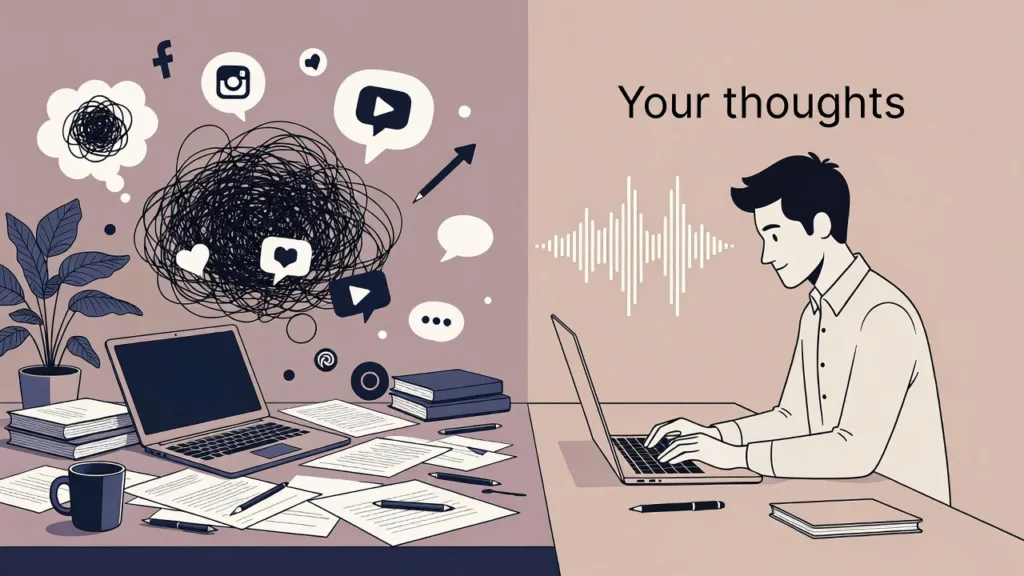
Typing creates significant friction for many with ADHD — hunting for keys, correcting errors, and losing flow all add up. Voice-to-text bypasses these barriers, letting you speak naturally while ideas stay fresh.
VoiceDash serves as an excellent companion in this space. Its real-time conversion turns spoken thoughts into clean, structured text with smart filler-word removal and grammar smoothing. Many professionals find that VoiceDash delivers excellent results when used with high-quality dictation hardware or even a standard microphone. Pairing the right setup with a powerful voice-to-text platform like VoiceDash can dramatically improve overall accuracy and help you maintain creative flow.
For book-length projects, VoiceDash makes writing a book with voice to text feel far more natural and sustainable. It also addresses the hidden cost of typing — the mental energy drained by constant mechanical corrections — freeing your brain to focus on content instead.

Best ADHD Writing Tools by Use Case
Different ADHD profiles benefit from tailored recommendations. Here is a practical breakdown:
For ADHD Adults (Professionals & Everyday Writing): NovelPad or Notion for organization, VoiceDash for rapid drafting, and Cold Turkey Writer for deep focus sessions. These tools for adhd adults emphasize efficiency in reports, emails, and creative work.
For ADHD Students: Free or low-cost options like FocusWriter, Notion templates, and assistive dictation tools help with essays and assignments. Tools to help ADHD students often include word prediction or audio-synced note features to reduce handwriting and typing barriers.
For Authors & Long-Form Writers: NovelPad stands out with its interconnected features and progress tracking. Combine with VoiceDash for dictation-heavy drafting.
For Hardcore Focus Needs: Cold Turkey Writer or TypeSlate lock distractions completely.
For People Who Think Faster Than They Type: VoiceDash excels here, reducing friction so ideas flow without mechanical slowdowns.

Planning and Organization Tools That Support ADHD Brains
Goblin Tools is highly effective for task paralysis. Its Magic To-Do feature breaks any writing project into tiny, actionable steps — perfect for adhd tools to focus when a blank page feels overwhelming.
MindNode provides visual mind-mapping with color coding and focus highlighting, ideal for visual thinkers who need to see connections before drafting.
Assistive Technology for ADHD Students and People with Disabilities
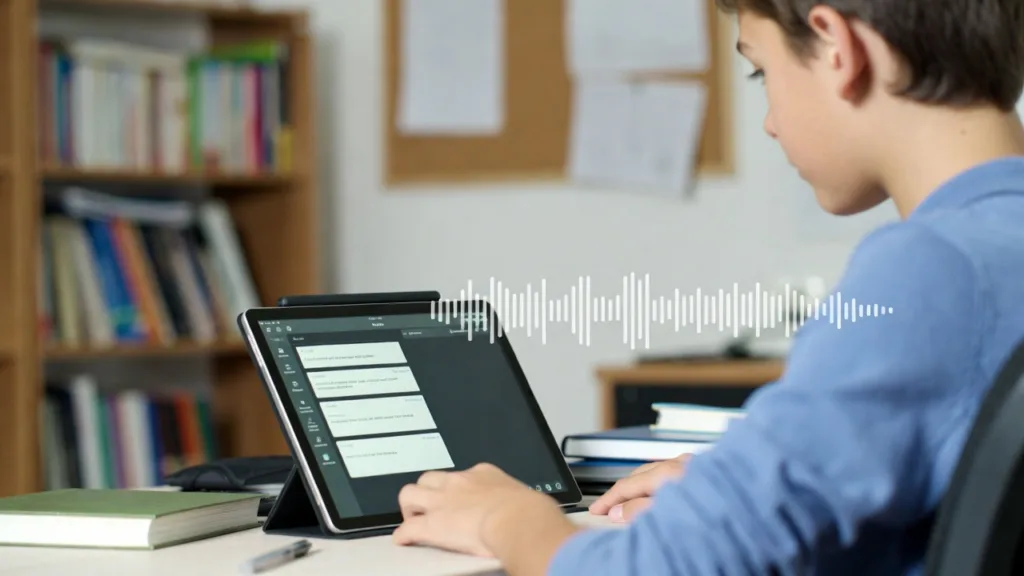
Assistive technology for adhd includes tools like word prediction software, graphic organizers (such as Inspiration), and dictation features. VoiceDash integrates well here, helping students capture lecture ideas or essay thoughts without the barrier of handwriting or slow typing. These solutions support both children and adults by reducing overload and letting ideas shine through more clearly.
Practical Hacks to Maximize Your ADHD Writing Tools
- Use Pomodoro timers (25 minutes work + 5-minute break) to build sustainable sessions.
- Create consistent environmental cues — same music, scent, or workspace setup — to signal “writing time” to your brain.
- Brain-dump random ideas immediately into your note app.
- Turn off spell-check during initial drafting to preserve momentum.
- Test hardware setups (good microphone, quiet space) when using VoiceDash for best accuracy.
These small adjustments, layered with the right software, create compounding improvements over time.
Conclusion: Build a Writing System That Works for Your ADHD Brain
The best ADHD writing tools do not erase every difficulty, but they make the process far more manageable and often enjoyable. Start small: choose one distraction-free app, one reliable note-taking system, and explore VoiceDash if typing friction is a major blocker. Experiment to discover what matches your unique symptoms, then gradually add planning tools and daily habits.
You already possess creativity and valuable ideas. The right combination of tools simply removes unnecessary barriers so those ideas can reach the page consistently. Track what works, celebrate small completions, and adjust as needed. Your next finished project is more achievable than it currently feels.
Resources
- Goblin Tools official site: https://goblin.tools/
- ADDitude Magazine on assistive technology: https://www.additudemag.com/
