
- Why Manual Interview Transcription Is Draining Your Time And Creativity
- How to Transcribe Interview Audio to Text | Step by Step Guide
- The 5 Best Tools to Transcribe Interview Audio to Text
- Why VoiceDash Makes Interview Transcription Easier
- Conclusion
- Frequently Asked Questions About Interview Transcription
How To Transcribe Interview Audio To Text: 5 Best Tools to Transcribe Interviews
The recording is only half the job.
There’s an uncomfortable reality that comes with recording interviews that most people discover the hard way. Pressing record takes a second. What comes after is the hard part — a two-hour audio file packed with interruptions, filler words, awkward silences, and moments where telling one speaker from another feels like guesswork.
And let me guess what happened next.
You opened a blank document, started typing manually, replayed the same sentence five times, and tried to keep up with the conversation word by word. Even if you’ve practiced techniques for how to type faster, manual transcription still becomes painfully slow when constant pausing and rewinding are involved.
In this guide, we’re going to explore how to transcribe interview audio to text efficiently, walk through the exact workflow professionals use today, and compare the best AI transcription tools worth using in 2026.
Why Manual Interview Transcription Is Draining Your Time And Creativity
To put it simply, manual transcription is the productivity equivalent of carrying water uphill with a spoon.
Sure, technically it works.
But it’s painfully inefficient.
And believe it or not, messy AI transcripts can be just as frustrating if they leave you fixing punctuation, identifying speakers, and cleaning up endless “uhs” and “ums.”
The real problem isn’t typing.
It’s attention fatigue.
Every time you:
- Pause and replay audio
- Correct punctuation
- Remove filler words
…you break your creative flow.
For podcasters, interview creators, and PR professionals, this creates a hidden productivity leak that compounds every single week.
Instead of:
- Publishing content
- Repurposing interviews
- Pitching clients
…you’re trapped editing transcripts.
That’s exactly why modern AI transcription tools matter so much now, and most of the time you should refrain from transcribing interview audio manually. By removing hours of repetitive editing and formatting, they help teams increase work efficiency while focusing on higher‑value tasks.
The best platforms don’t just convert speech into text anymore, they clean, structure, organize, and prepare the content for actual use. Pretty massive difference, right?
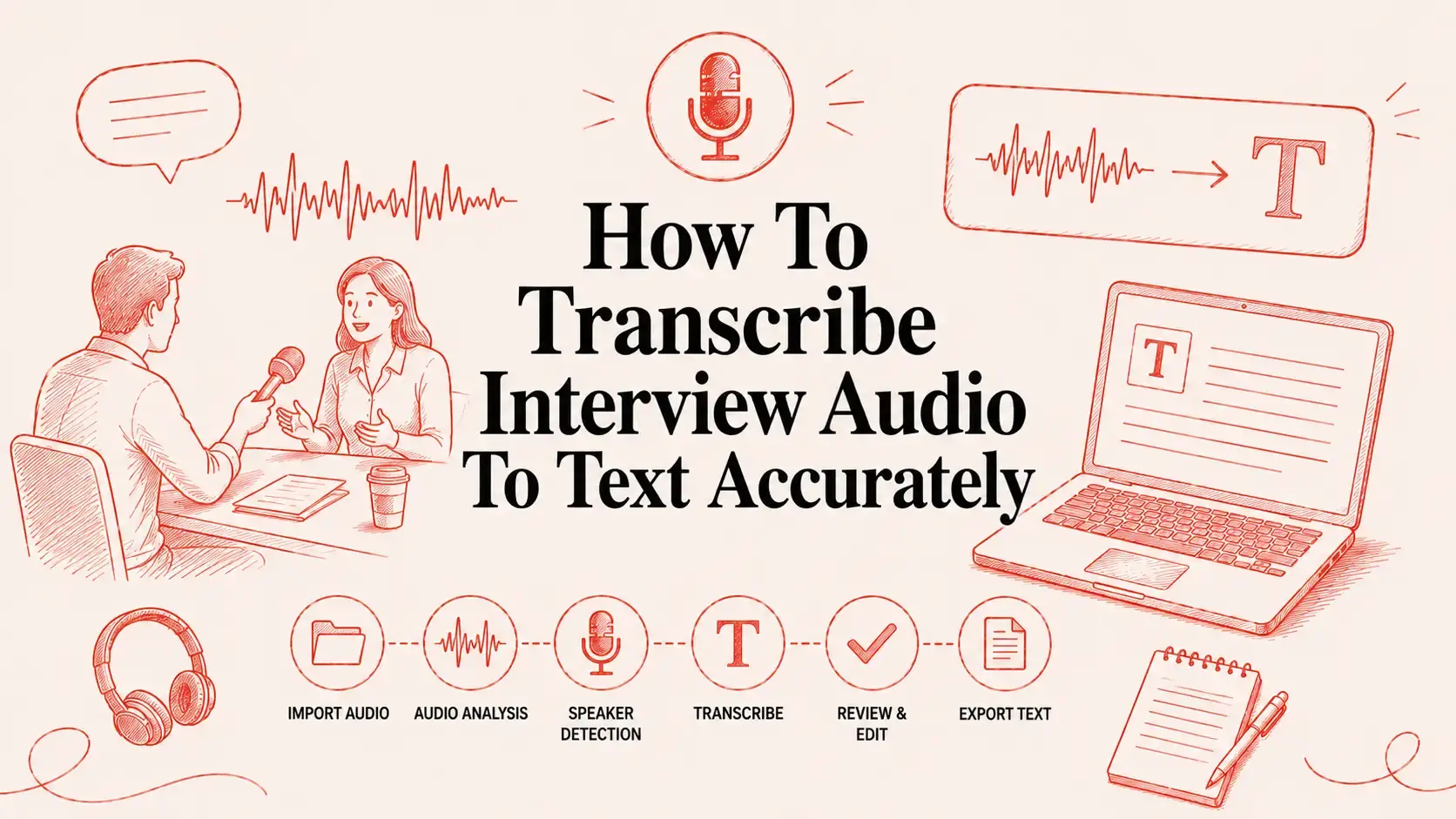
How to Transcribe Interview Audio to Text | Step by Step Guide
Now that the problem is clear, let’s get straight into the smartest and most efficient way to handle transcription in 2026 without losing hours of your day to it.
Step 1: Choose Your Transcription Method
When you are about to Transcribe interview audio to text, You essentially have two options:
- Manual transcription
- AI-powered transcription
Manual typing still exists, but unless you enjoy replaying the same sentence twelve times, AI tools are dramatically faster and cleaner. Platforms like VoiceDash automate:
- Formatting
- Punctuation
- Filler-word cleanup
Which means you spend less time editing and more time publishing.
Step 2: Prepare Your Audio File
Before uploading:
- Improve recording clarity
- Convert files to MP3 or WAV if needed
- Trim long silences
A cleaner file improves AI accuracy immediately.
Step 3: Upload or Play the Audio
Most tools let you upload directly into the dashboard. With VoiceDash, the process is almost absurdly simple:
- Upload the recording
- Let the AI process automatically
- Receive structured text output within minutes
If you still transcribe manually, keyboard shortcuts for pause and replay can at least make the process slightly less painful.
Step 4: Review and Correct the Output
Even the best tools occasionally make mistakes, so always review carefully:
- Names
- Dates
- Technical terms
- Industry jargon
Fortunately, modern AI handles the heavy lifting extremely well now.
Step 5: Format the Transcript
Nobody wants to read giant walls of text. Clean formatting matters more than what you think.
Make sure to:
- Break up paragraphs
- Add speaker labels
- Remove filler words
- Improve readability
The final result should feel natural and polished, not robotic.
Step 6: Save and Export
Ultimately, once the job is done, the next step is to export the transcript in the format you need. Most people save transcripts as:
- Word documents
- PDFs
- Plain text files
It’s also crucial to keep both the original audio file and the final transcript organized in the same folder in case you need to access them again in the future.
The 5 Best Tools to Transcribe Interview Audio to Text
Now let’s walk through the best transcription tools to transcribe interview audio to text actually worth using in 2026. These aren’t random apps thrown into a list, Each one solves a specific transcription problem depending on your workflow.
1- VoiceDash
Let’s be honest for a second.
Most transcription platforms still hand you a rough draft disguised as a “finished transcript.”
VoiceDash takes a very different approach. Instead of dumping messy raw text in your lap, it automatically cleans, structures, and formats the transcript so it’s immediately usable.
For creators handling interviews regularly, that distinction matters a lot.
VoiceDash Key Features
- AI-powered filler-word removal
- Real-time structured transcript output
- Cross-app compatibility
- No setup required
- Automatic readability improvements
What makes VoiceDash especially powerful is that it works directly inside the tools you already use instead of forcing you into another isolated platform.

VoiceDash Pros and Cons
| Pros | Cons |
| Automatically cleans and structures interview transcripts | Requires internet connection |
| Works across multiple platforms and apps | |
| Reduces post-editing time significantly |
Best For: Podcasters, creators, journalists, marketers, and interview-heavy teams wanting polished transcripts fast.
2- Sonix
If speed and detailed editing matter most to you, Sonix is one of the strongest contenders available today.
Its biggest advantage is the synced editor. Instead of manually hunting through audio, you can click any word in the transcript and instantly hear the exact matching audio segment.
Sonix Key Features
- Fast automated transcription
- Interactive synced editor
- Multi-language support
- Browser-based editing
Sonix Pros and Cons
| Pros | Cons |
| Powerful search and navigation features | Can become expensive with heavy use |
| Supports multiple languages | Accuracy varies with accents |
| Clean and intuitive editor | Requires manual corrections for perfection |
Best For: Researchers, journalists, and content teams handling large interview libraries.
3- Transkriptor
Not everybody needs enterprise-level transcription software in order to transcribe interview audio to text.
Some users simply want affordable AI transcription that works reasonably well without overwhelming complexity. That’s exactly where Transkriptor fits in.
Transkriptor Key Features
- Affordable pricing
- Automatic summaries
- Multiple file upload support
- Beginner-friendly dashboard
Transkriptor Pros and Cons
| Pros | Cons |
| Affordable pricing | Lower accuracy in noisy audio |
| Beginner-friendly interface | Limited advanced editing tools |
| Supports multiple file uploads | Basic overall interface |
Best For: Students, freelancers, and creators working with tighter budgets.
4- HappyScribe
To be precise, up until right now, we have spent an adequate amount of time talking about tools that help you transcribe your audio to text quickly; be that as it may, there are times when you encounter projects where speed is no longer the number one priority.
Let me clarify. There are cases where your work requires the highest level of accuracy and precision, especially when your projects involve legal documentation, academic research, or professional subtitles.
That’s one of the main reasons why HappyScribe has built such a strong reputation.
HappyScribe Key Features
- AI + human transcription options
- Team collaboration workspace
- Subtitle generation tools
- Professional editing environment
Best For: Teams requiring higher precision and subtitle-focused workflows.
HappyScribe Pros and Cons
| Pros | Cons |
| Great collaborative workflow | Human transcription is expensive |
| Great for subtitles and media content | AI output still needs review |
| High accuracy potential | Processing time can vary |
5- Otter.ai
For many people who regularly conduct remote interviews, transcription often becomes a second job once the meeting is over. Online interviews can feel overwhelming, especially when you’re responsible for asking questions, listening carefully, and capturing key points at the same time, which is a good reason to learn how to take notes faster during interview.
This is exactly where Otter.ai earns its reputation. Rather than uploading a recording and waiting around for it to be processed, the platform jumps straight into your meeting and generates a live transcript as the conversation is actually happening in real time.
Otter.ai Key Features
- Real-time transcription
- Meeting summaries
- Action-item extraction
- Zoom, Meet, and Teams integrations
Otter.ai Pros and Cons
| Pros | Cons |
| Real-time transcription capability | Struggles in noisy environments |
| Automatic speaker labeling | Free plan has limitations |
| Collaboration and sharing features | Less advanced AI text cleanup |
Why VoiceDash Makes Interview Transcription Easier
Converting speech to text while you are transcribing your interview audio to text, is something most transcription tools can handle. What they can’t always handle is everything that comes after it.
Getting a rough transcript is one thing. Making it actually usable is something else entirely. Fixing sentences, removing filler words, cleaning up the layout, copying everything into the right place, it all adds up faster than you’d expect. VoiceDash takes care of the whole thing so you can skip straight to the part where you actually use it.
Here’s where VoiceDash stands out:
- It works across all your devices and operating systems
Unlike most transcription tools that only work reliably on one platform, VoiceDash works smoothly on Android, iOS, Windows, macOS, and Linux, so it fits your setup, whatever that looks like.
- It automatically cleans up your transcript
What makes VoiceDash genuinely different is what happens after the transcription. Filler words get stripped out automatically, sentence flow gets cleaned up, punctuation gets added where it belongs, and rough spoken audio becomes polished readable text without you having to go back and fix a single thing manually.
- It works inside the apps you already use
Jira. Slack. Google Docs. Cursor. ChatGPT. VoiceDash works across all of them. You don’t reshape your workflow around the tool, the tool fits into the workflow you already have, on whatever platform you happen to be writing in.
- You control the tone before the text even arrives
Most transcription tools give you one output style and leave all the adjustments up to you. With VoiceDash, you set the tone upfront — professional, casual, or persuasive — and the text comes out the way you actually need it, with far less editing required.
Conclusion
In this article, we explored how to transcribe interview audio to text efficiently in 2026, why manual transcription quietly destroys productivity, and which AI transcription tools are actually worth your attention today.
And honestly, this shift is bigger than most people realize.
Transcription is no longer just about converting speech into text. The best tools now help you:
- Clean conversations automatically
- Organize ideas faster
- Repurpose content instantly
- Publish more consistently
We also covered why VoiceDash stands out as one of the strongest options for creators and professionals who want polished transcripts without drowning in editing work afterward.
So, if you’re ready to turn hours of transcription work into a process that takes only minutes, VoiceDash is a great place to start.
