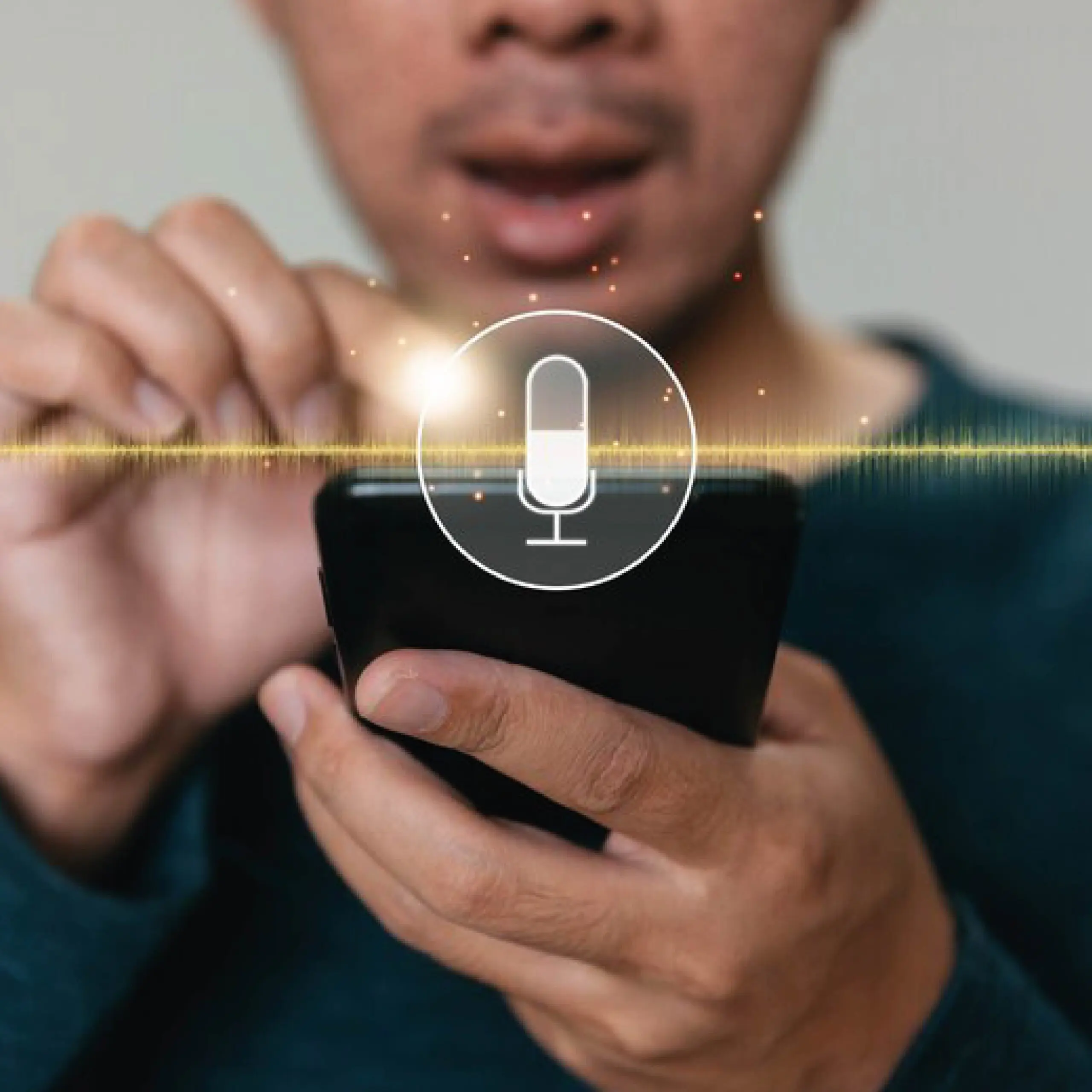
Typing detailed, multi-step prompts in Google Gemini slows down your workflow.
Many advanced users now speak their ideas instead — and get results much quicker.
VoiceDash runs in the background on your Windows, Mac or Android device. Speak naturally and watch clean, structured text appear right in the Gemini prompt box.
“Analyze this 2025 SaaS market report and give me the top 5 growth opportunities for AI productivity tools in 2026”
“Create a detailed comparison table between VoiceDash, Otter.ai and Dragon NaturallySpeaking including pricing, accuracy and platform support”
“Help me brainstorm 12 video script hooks for a YouTube channel about remote work tools – make them curiosity-driven and under 15 words each”
“Rewrite the following email in a more professional yet friendly tone suitable for a product update to early adopters”
VoiceDash Advantages for Gemini Users
Automatic filler word removal (“um”, “like”, “you know”)
VoiceDash automatically removes filler words like “um,” “like,” and “you know”, ensuring your spoken prompts are clean, concise, and ready for Gemini without manual editing.
Smart formatting: turns spoken lists into bullets or numbered steps
VoiceDash intelligently formats spoken content, turning verbal lists into bullet points or numbered steps, making prompts easier for Gemini to interpret and respond to accurately.
Handles technical terms, product names and mixed-language input very well
Whether you’re using technical terminology, product names, or mixed-language phrases, VoiceDash captures them accurately so your prompts stay precise and context-rich.
Custom rules let you define exactly how you want prompts structured before they hit Gemini
With customizable rules, you can define exactly how your prompts should be structured before they reach Gemini, helping you maintain consistent formatting and better AI responses.
Yes. VoiceDash is designed to handle different accents and non-native English speech, helping ensure your prompts are accurately captured and cleaned before sending them to Gemini.